1
2.
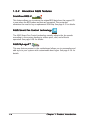
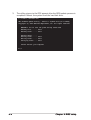
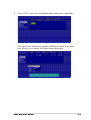
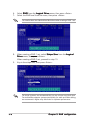
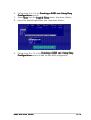
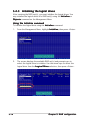
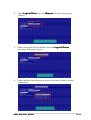
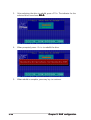
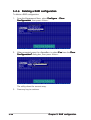
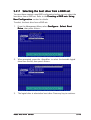
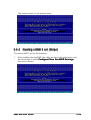
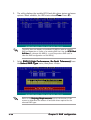
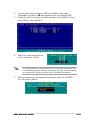
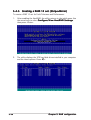
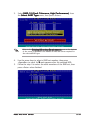
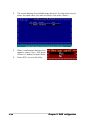
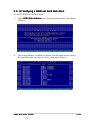
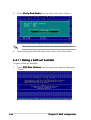
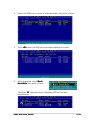
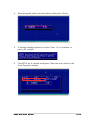
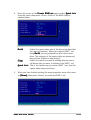
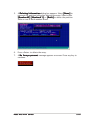
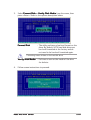
The screen displays the available spare drive(s). Use the arrow keys to
select the spare drive you want to delete, then press <Enter>.
3.
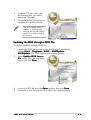
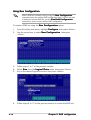
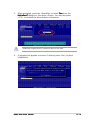
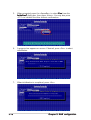
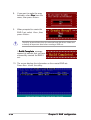
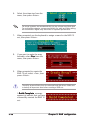
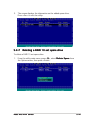
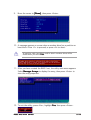
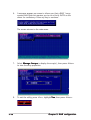
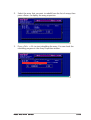
When a confirmation dialogue box
appears, select <Yes>, then press
<Enter> to delete the spare drive.
4.
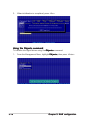
Press <ESC> to exit the utility.
5-42
Chapter 5: RAID configuration