1
Operating Instructions
Other Features
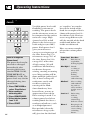
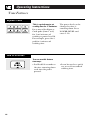
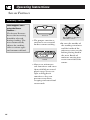
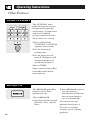
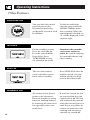
Scroll Speed
The scroll speed of the
display can be changed.
Press and hold the AM/PM
pad about 3 seconds to
bring up the display. Select
1–5 for slow to fast scroll
speed.
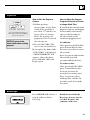
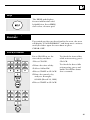
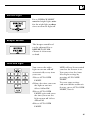
Display On/Off
To turn the clock display
off, press and hold 0 for
about three seconds.
To redisplay the clock,
repeat.
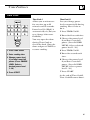
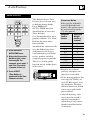
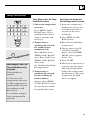
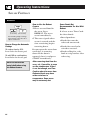
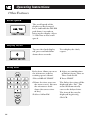
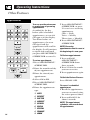
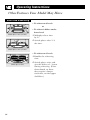
Delay Start allows you to set
the microwave to delay
cooking up to 24 hours.
4 Select any combination
of Defrost Auto/Time or
Time Cook I & II.
1 Press DELAY START.
5 Press START.
2 Enter the time you want
the oven to start. (Be sure
the microwave clock
shows the correct time
of day.)
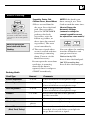
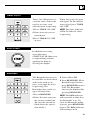
The Delay Start time will be
displayed plus “DS.” The
oven will automatically
start at the delayed time.
Delay Start
3 Select AM or PM.
32
The time of day may be
displayed by pressing
CLOCK.