1
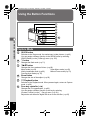
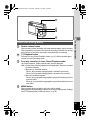
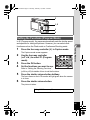
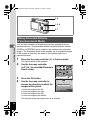
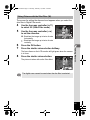
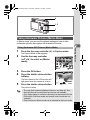
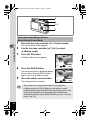
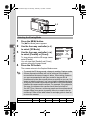
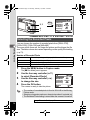
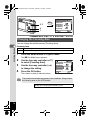
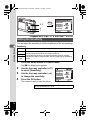
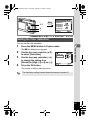
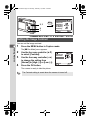
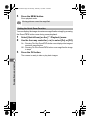
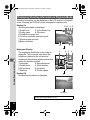
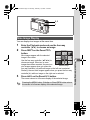
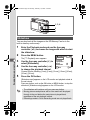
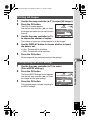
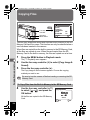
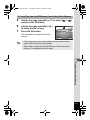
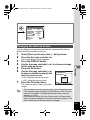
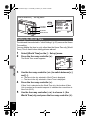
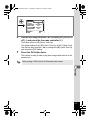
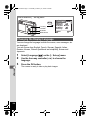
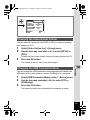
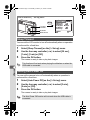
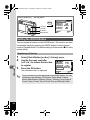
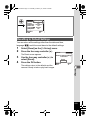
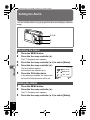
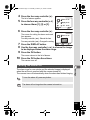
e_kb364.book Page 110 Monday, February 16, 2004 3:50 PM Copying Files MENU Four-way controller OK button MENU button Playback Slideshow 3sec Resize Trimming Copy image & sound Off Alarm Record Voice Memo On MENU Exit OK OK You can copy image and sound files from the built-in memory to the SD Memory Card and vice versa. This function can only be selected when a card has been inserted in the camera. When files are copied from the built-in memory to the SD Memory Card, all the files are copied at once. When files are copied from the SD Memory Card to the built-in memory, the files are copied one at a time. 1 6 Press the MENU button in Playback mode. The [Q Playback] menu appears. Playback/Deleting/Editing 2 Use the four-way controller (3) to select [Copy Image & Sound]. 3 Press the four-way controller (5). The Copy Image & Sound screen appears. Choose the copying method you want to use. Be sure to turn the camera off before inserting or removing the SD Memory Card. To Copy Files from the Built-in Memory to the SD Memory Card 4 Use the four-way controller (23) to select [ ] and press the OK button. Copy image & sound All the files are copied to the SD Memory Card. Cancel MENU 110 Exit OK OK