1
Contents
Overview ......................................................................... 3
Installation Instructions ................................................. 4
What’s in the Package................................................... 4
Before You Begin .......................................................... 4
Installing the Wireless-G PC Card Adapter.................... 5
Getting Connected ........................................................ 9
The Adapter LEDs........................................................12
Setting Security .............................................................13
Accessing the Security Screen.....................................14
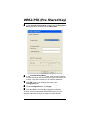
WPA2-PSK (Pre-Shared Key) ......................................16
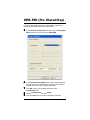
WPA-PSK (Pre-Shared Key) ........................................17
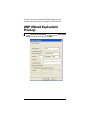
WEP (Wired Equivalent Privacy) ..................................18
WPA2-Enterprise .........................................................20
WPA.............................................................................23
Certificate (WPA2-Enterprise and WPA) ......................25
Changing your Security Setting ....................................26
Advanced Options.........................................................27
Creating Profiles...........................................................27
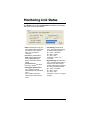
Monitoring Link Status..................................................30
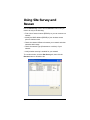
Using Site Survey and Rescan.....................................31
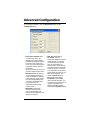
Advanced Configuration ...............................................33
Appendix A. TCP/IP Settings ........................................34
Appendix B. Troubleshooting.......................................39
Appendix C. Zoom Technical Support Services..........41
Appendix D Regulatory Information.............................45
2
Wireless-G PC Card Adapter