1
6)
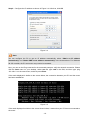
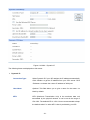
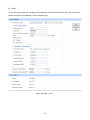
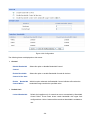
BigPond
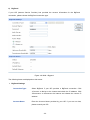
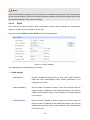
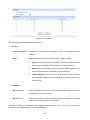
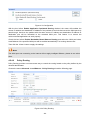
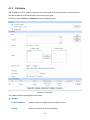
If your ISP (Internet Service Provider) has provided the account information for the BigPond
connection, please choose the BigPond connection type.
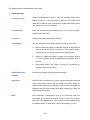
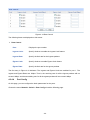
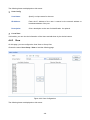
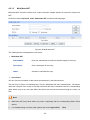
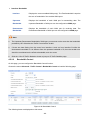
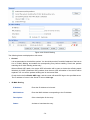
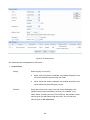
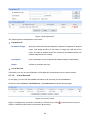
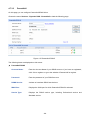
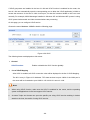
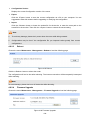
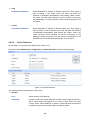
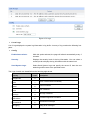
Figure 4-8 WAN – Bigpond
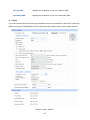
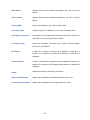
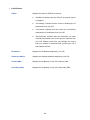
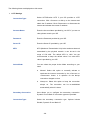
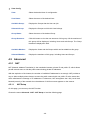
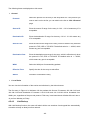
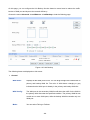
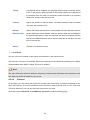
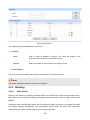
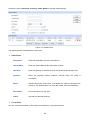
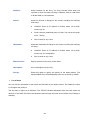
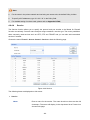
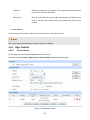
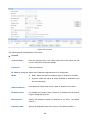
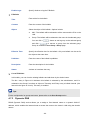
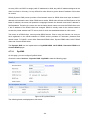
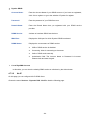
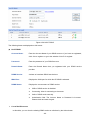
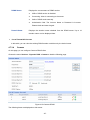
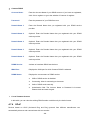
The following items are displayed on this screen:
¾
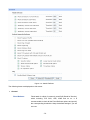
BigPond Settings
Connection Type:
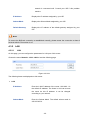
Select BigPond if your ISP provides a BigPond connection. Click
<Connect> to dial-up to the Internet and obtain the IP address. Click
<Disconnect> to disconnect the Internet and release the current IP
address.
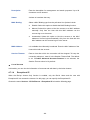
Account Name:
Enter the Account Name provided by your ISP. If you are not clear,
please consult your ISP.
-33-