1
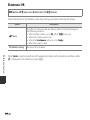
Electronic VR
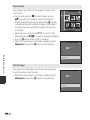
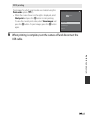
d button M z menu icon M Electronic VR M k button
Select the electronic VR (vibration reduction) setting used when shooting still images.
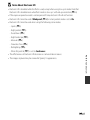
Option
Description
w Auto
The effects of camera shake are reduced when shooting still images in
the following situations:
• When the flash mode is set to W (off) or Y (slow sync)
• When the shutter speed is slow
• When the Continuous setting is set to Single
• When the subject is dark
Off (default setting)
Electronic VR is disabled.
Reference Section
When Auto is selected, electronic VR is applied according to the shooting conditions while
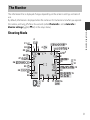
R is displayed in the shooting screen (A 3).
E66