1
5
5.3 Changing Default Settings
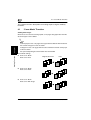
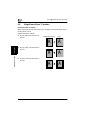
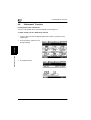
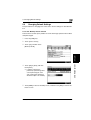
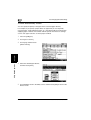
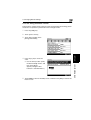
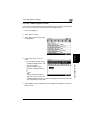
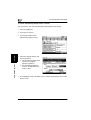
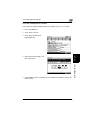
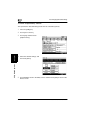
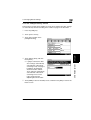
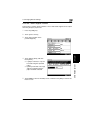
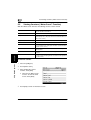
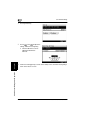
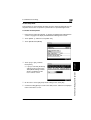
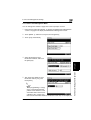
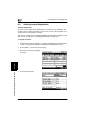
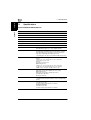
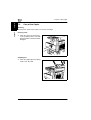
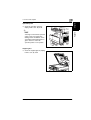
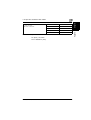
To set the “Original Ö Copy Default” function
The function specifies the default Orig. Ö Copy setting.
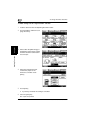
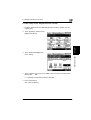
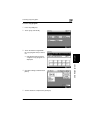
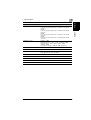
1 Press the [Utility] key.
2 Touch [User’s Choice].
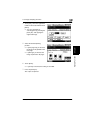
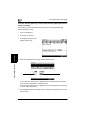
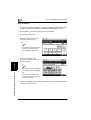
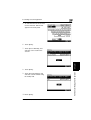
3 Touch [2/6], and then touch
Utility Mode Operations
Chapter 5
[Original Ö Copy Default].
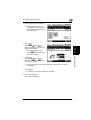
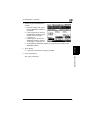
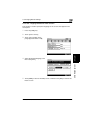
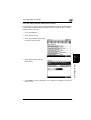
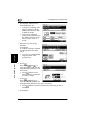
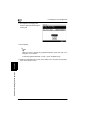
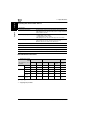
4 Select the desired setting, and
then touch [Enter].
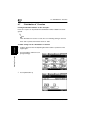
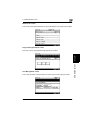
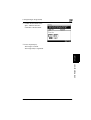
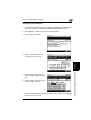
5 Touch [END] to return to the Utility screen, and then touch [Exit] to return to the
Basics screen.
5-10
Di2010/Di2510/Di3010/Di3510