1
Chapter 10: Diagnostics
Accessing diagnostics
The RAID controller has a comprehensive VT-100 Diagnostics menu. The
following operations can be performed from the diagnostics menu: Download
and Program Operational Firmware, Download and Program Drive Firmware,
RAID 5/50 Parity Check, Command Tracing, Shutting down the controllers, and
capturing the diagnostics data.
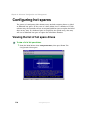
To access diagnostics:
1
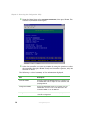
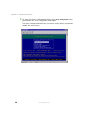
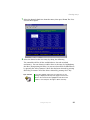
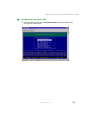
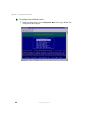
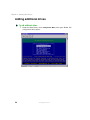
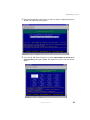
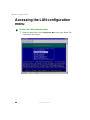
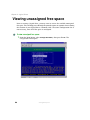
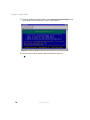
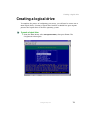
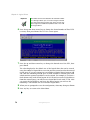
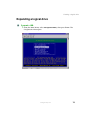
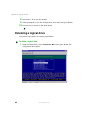
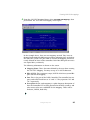
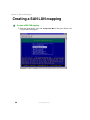
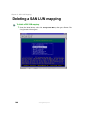
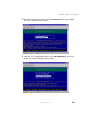
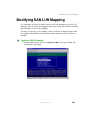
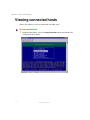
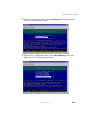
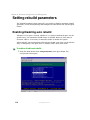
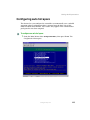
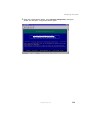
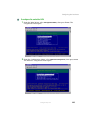
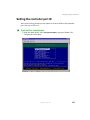
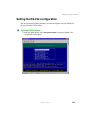
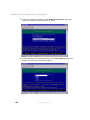
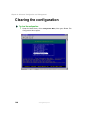
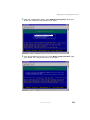
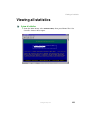
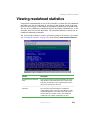
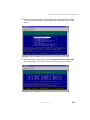
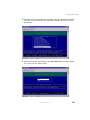
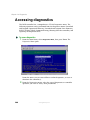
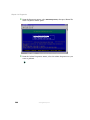
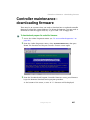
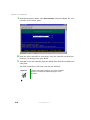
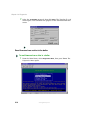
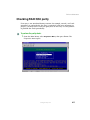
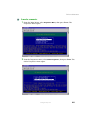
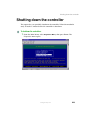
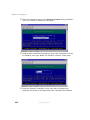
From the Main Menu, select Diagnostics Menu, then press ENTER. The
Diagnostics Menu opens.
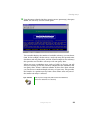
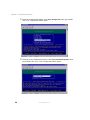
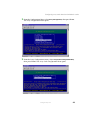
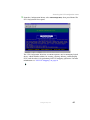
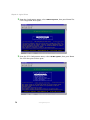
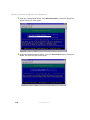
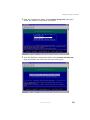
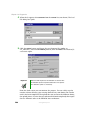
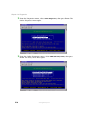
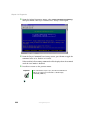
From this menu you can enter offline or online diagnostics, or reset or
shutdown the controller(s).
2
200
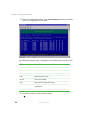
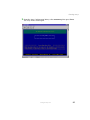
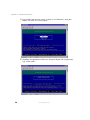
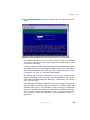
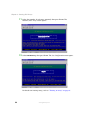
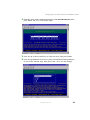
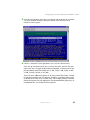
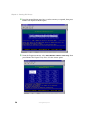
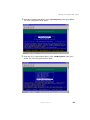
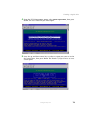
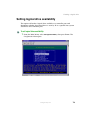
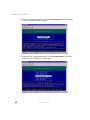
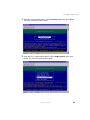
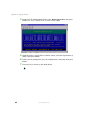
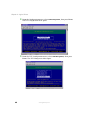
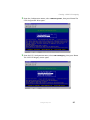
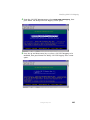
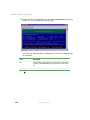
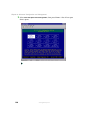
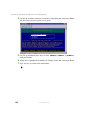
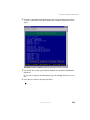
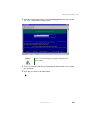
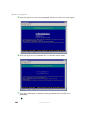
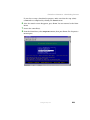
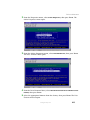
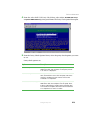
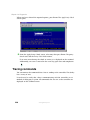
From the Diagnostics menu, select the type of diagnostics or controller
operation you want to access, then press ENTER.
www.gateway.com