1
Telephone operation
Handset operation
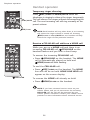
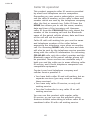
Handset locator
The handset locator feature is useful if you misplace
a handset(s).
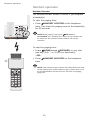
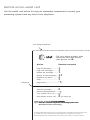
To start the paging tone:
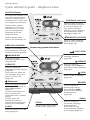
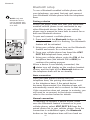
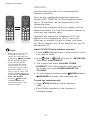
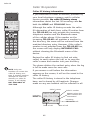
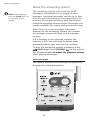
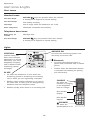
• Press HANDSET LOCATOR at the telephone
base. This starts the paging tone on the handset(s)
for 60 seconds.
NOTE: When paging, if you press OFF/CLEAR or
DELETE/MUTE on a handset, the ringer of the handset will
be silent but the handset locator feature will not be
canceled.
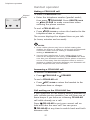
To stop the paging tone:
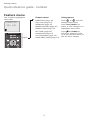
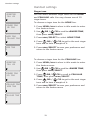
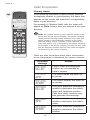
**PAGING**
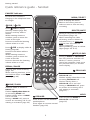
• Press HOME/FLASH, SPEAKER, or any dial
pad key (0-9, *, or #) on the handset(s),
–OR–
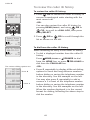
• Press HANDSET LOCATOR on the telephone
base.
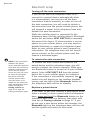
NOTE: The handset ringer volume also determines the level of the paging tone. If the handset ringer volume level is set to off, that handset will be silent for all calls and paging (page 20).
30