1
Back to Contents Page
Controls and Lights
Dell™ Dimension™ 8200
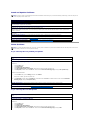
Front View
Back View
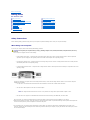
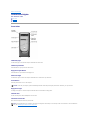
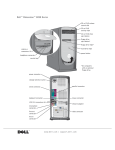
Front View
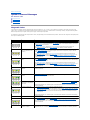
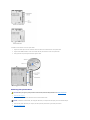
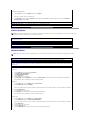
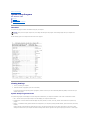
CD Activity Light
The CD activity light is on when the computer reads data from the CD drive.
CD Drive Eject Button
Press this button to eject your CD from the CD drive.
Floppy Drive Eject Button
Press this button to eject a disk from the floppy drive.
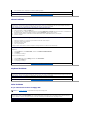
Hard-Drive Light
The hard-drive light is on when the computer reads data from or writes data to your hard drive.
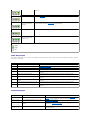
Power Button
Press the power button to turn on the computer.
NOTICE: To turn off your computer, perform a Windows® shutdown rather than pressing the power button. Otherwise, you may lose data.
Floppy Drive Light
The floppy drive light is on when the computer reads data from or writes data to the floppy drive.
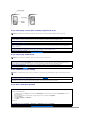
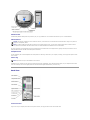
CD Audio Jack
Use the CD audio jack to attach headphones to the CD drive.
CD Volume Control Dial
Move the dial to adjust the volume of your audio CD.
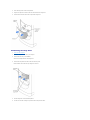
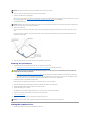
HINT: To prevent damage to your computer, the front door is designed to "break away" if it is lifted up too far. For instructions on how to reattach the
door, see "Reattaching the Front Door and Hinge Arms."