1
Viewing the
Gateway’s Settings
5
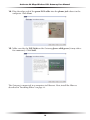
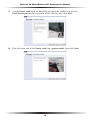
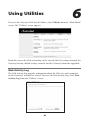
After configuring the Gateway, settings can be viewed by selecting Status in the
Main Menu. In the left hand column, there are other Status options available:
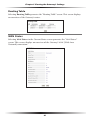
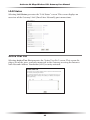
Routing Table, WAN Status, LAN Status, and Active User List.
No settings (other than connecting or disconnecting from the Internet) can be
changed from the Current Status screen.
Status
Selecting “Status” from the Main Menu screen generates the “Current Status”
screen.
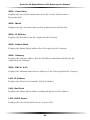
Firmware Version
Displays the firmware version the Gateway is currently running.
MAC Address
Displays the MAC (Media Access Control) address of the Gateway.
59