1
26.6.00
telefon.fm
Gigaset3035a
A31008-G3035-B001-3-
Correction: 0
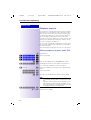
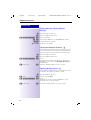
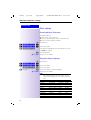
Making calls
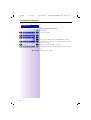
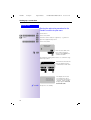
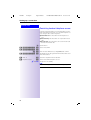
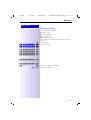
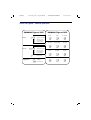
Press the keys in the
specified order
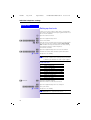
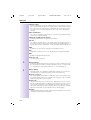
Options available during a call
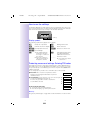
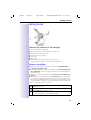
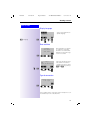
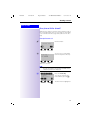
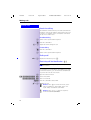
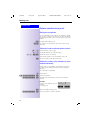
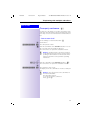
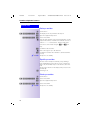
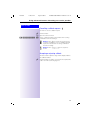
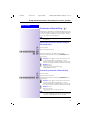
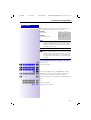
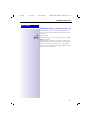
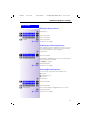
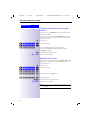
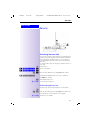
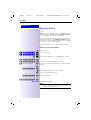
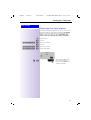
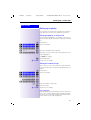
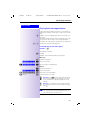
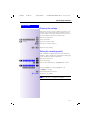
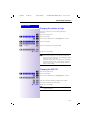
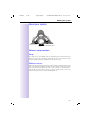
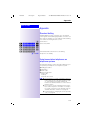
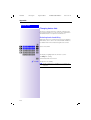
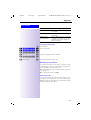
Muting the microphone
You can switch off your microphone, for example to enable
you to talk to someone else in the room. The called party
will no longer be able to hear you, although you can hear /
her/him.
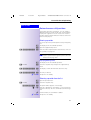
087(
$8',%/(
Confirm while making a call.
To switch on the microphone, press the soft key or any
other key.
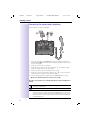
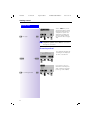
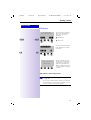
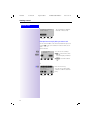
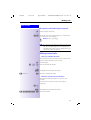
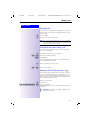
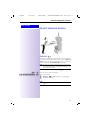
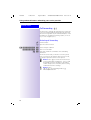
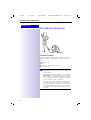
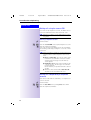
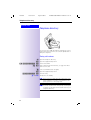
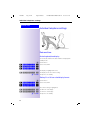
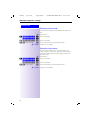
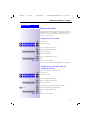
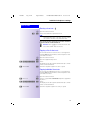
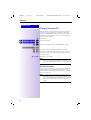
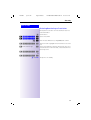
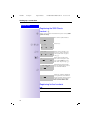
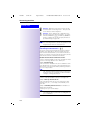
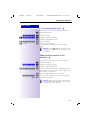
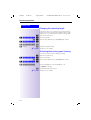
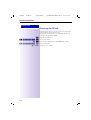
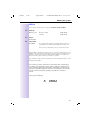
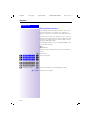
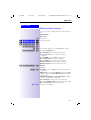
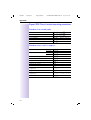
Setting the handset volume/speaker volume
# or V Lift the handset or press V.
~ or}
~,} or ,
The display indicates the current setting.
Adjust the volume as required.
This volume remains set for the duration of the call.
=
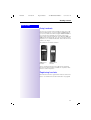
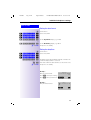
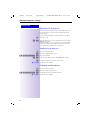
Save the volume for all subsequent calls.
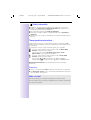
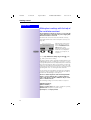
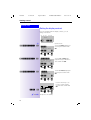
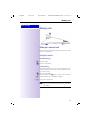
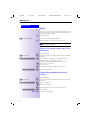
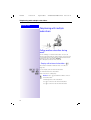
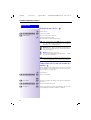
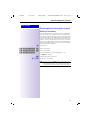
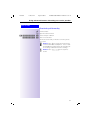
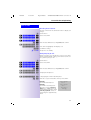
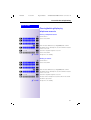
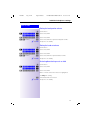
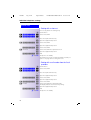
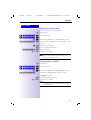
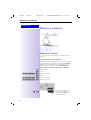
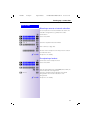
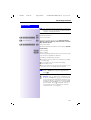
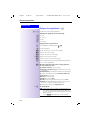
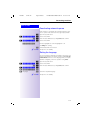
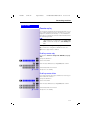
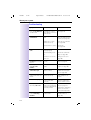
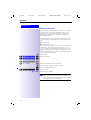
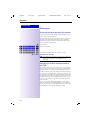
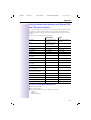
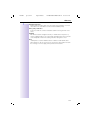
Adding the number of the called party to the
telephone directory
During a call you can add the call number of the person
to whom you are talking to the base station telephone
directory.
The call number is displayed.
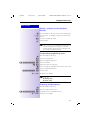
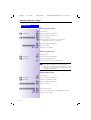
< 'LUHFWRULHVÖÖÖÖÖÖÖ =
&RS\WR'LUÖÖÖÖÖ =
Call the menu.
Select and confirm.
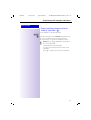
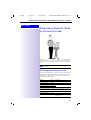
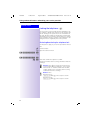
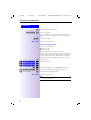
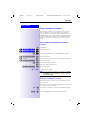
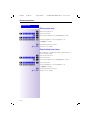
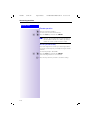
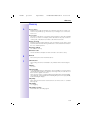
An input field containing the current phone number is
opened.
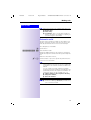
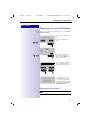
Example:
=Y\\Ub
A name can be added to the call
()!"#$%&A
number
(see page 151).
:9
9
6DYHHQWU\ÖÖÖÖÖÖÖ =
30
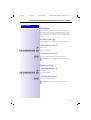
Open the supplementary menu.
Save your entries to end the operation.