1
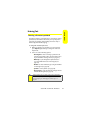
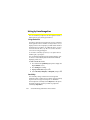
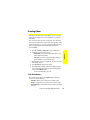
Setting Up Your Bluetooth
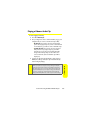
You need to connect your phone to your Bluetooth headset
before you can begin using it. To do this, you need to:
䢇 Enter the name your phone uses for Bluetooth
communication.
䢇 Set your phone to be discovered by other Bluetooth
devices.
䢇 View your phone’s Bluetooth address.
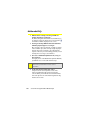
Your Phone’s Bluetooth Name
Your phone’s Bluetooth name will be seen by other
in-range Bluetooth devices, depending on your Visibility
settings. Your phone comes with a default Bluetooth name.
You can change this to make it easy for others to find you.
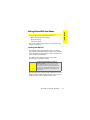
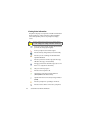
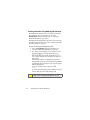
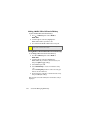
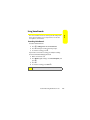
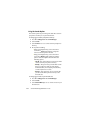
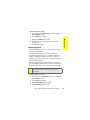
To change the default Bluetooth name:
1.
2.
3.
4.
5.
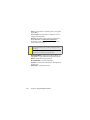
Press O > Settings/Tools > Tools > Bluetooth.
Press Options (right softkey).
Highlight Settings and press O.
Highlight the Device Name field and then press O.
Use your keypad to enter a new name and then
press O.
Section 2L: Using Bluetooth
Using Bluetooth
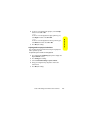
6. Press Save (left softkey).
205