1
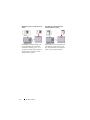
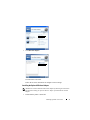
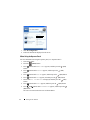
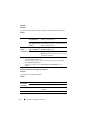
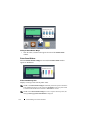
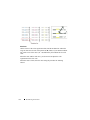
If you enter an invalid password, the message Wrong Password appears. Wait
three seconds, or press the
(Set) or
(Cancel) button to return to the
screen for user selection.
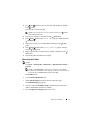
When you enter a valid password, you have access to all print jobs matching the
user name and password you entered. The print jobs matching the password you
entered appear on the screen. You can then choose to print or delete jobs
matching the password you entered. (See "Printing the Stored Jobs" for more
information.)
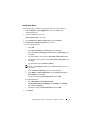
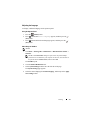
Deleting Stored Jobs
With Secure Print, a job that has been stored will be deleted after printing or
deleted at a designated time if entered on the operator panel or at turning off the
printer.
For other jobs, these jobs remain stored until you delete them on the operator
panel or turn off the printer.
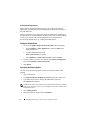
Printing a Report Page
By using the Reports menu, you can print a variety of settings for your printer
including system settings, panel setting, and font list. The following sections
describe two examples of printing from the Reports menu.
•
Printing Printer Settings Report
•
Printing Font Sample List
Printing Printer Settings Report
To verify detailed printer settings, print a printer settings report. A printed
printer settings report also allows you to verify whether or not options have been
installed properly.
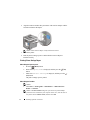
See "Understanding the Printer Menus" to identify the display and operator
panel buttons if you need help.
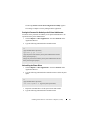
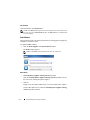
When Using the Operator Panel
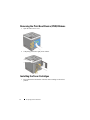
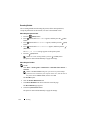
1 Press the
(Menu) button.
2 Ensure that Report/List is displayed, and then press the
button.
248
Printing
(Set)