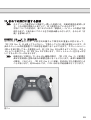
1
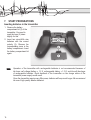
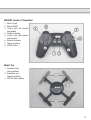
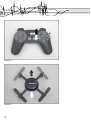
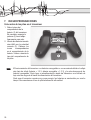
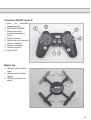
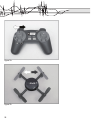
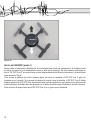
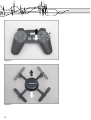
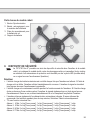
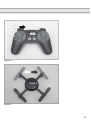
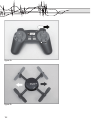
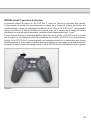
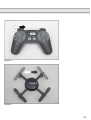
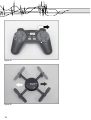
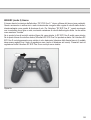
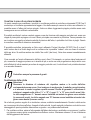
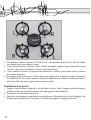
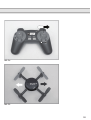
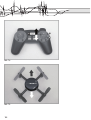
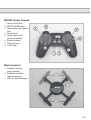
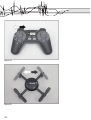
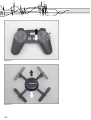
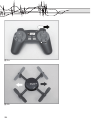
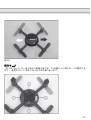
Figure 1b
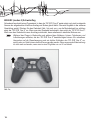
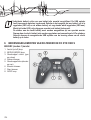
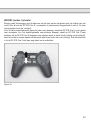
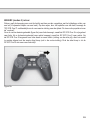
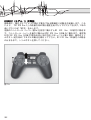
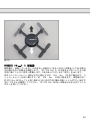
88005RC (mode 1) rudder
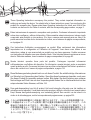
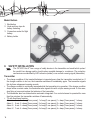
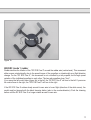
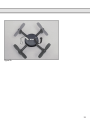
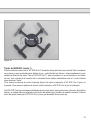
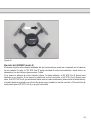
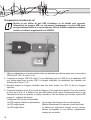
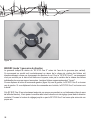
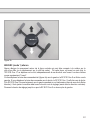
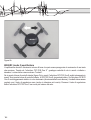
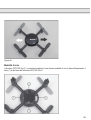
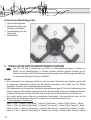
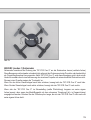
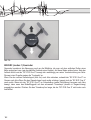
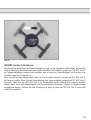
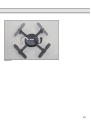
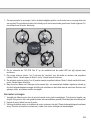
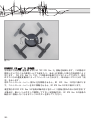
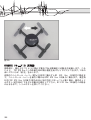
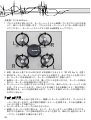
Rudder denotes the rotation of the “RC EYE One S” around the rudder axis (vertical axis). This movement
either occurs unintentionally due to the speed torque of the propellers or intentionally as a flight direction
change. For the “RC EYE One S”, this movement is not controlled by a tail propeller, but through speed
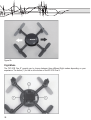
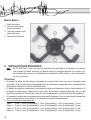
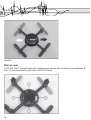
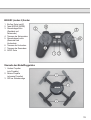
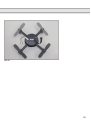
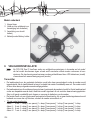
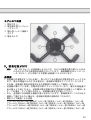
variation of the individual propellers to each other. The two red propellers show “front”.
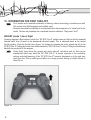
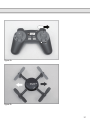
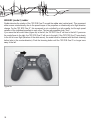
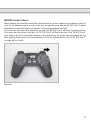
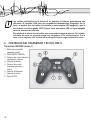
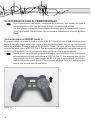
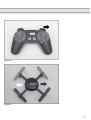
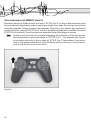
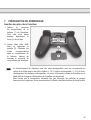
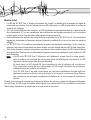
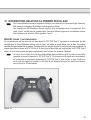
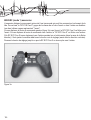
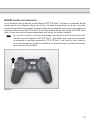
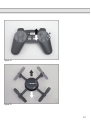
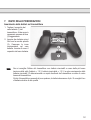
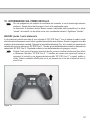
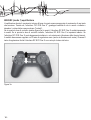
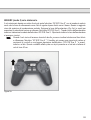
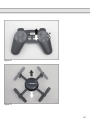
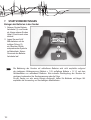
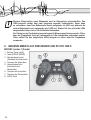
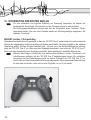
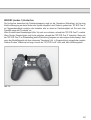
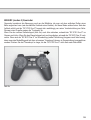
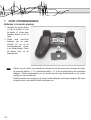
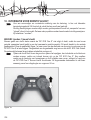
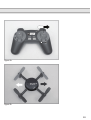
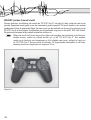
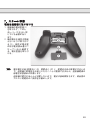
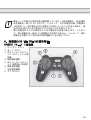
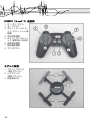
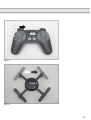
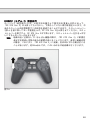
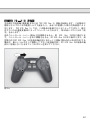
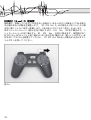
If you move the left control lever (figure 2a) to the left, the “RC EYE One S” will turn to the left. If you move
the control lever to the right, the “RC EYE One S” will turn to the right.
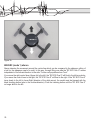
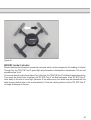
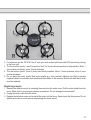
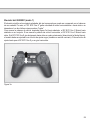
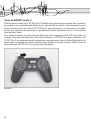
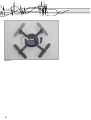
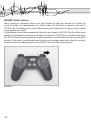
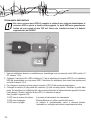
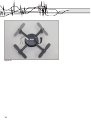
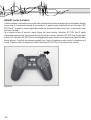
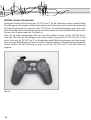
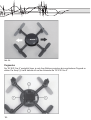
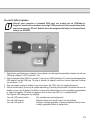
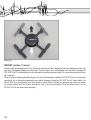
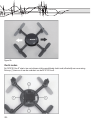
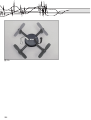
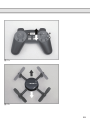
If the RC EYE One S rotates slowly around its own axis in hover flight (direction of the white arrow), the
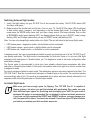
model must be trimmed with the black trimming button (also in the counter-direction). Push the trimming
button until the RC EYE One S no longer rotates around its own axis.
17