1
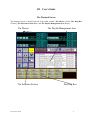
The Selection Section
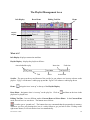
What is it?
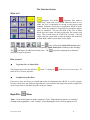
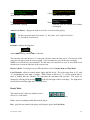
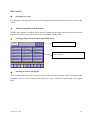
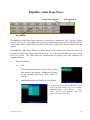
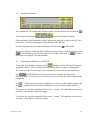
designates Live mode.
designates Auto mode or
“walk-away” mode and it will switch when activated. In Live
mode, the jock is responsible for cueing up and playing items
manually within the virtual player environment. When in “walkaway” mode, the computer is responsible for playing the playlist
items as scheduled. You can also think of the Live as Pause
Mode since the system will stop playing after the current event
stops. This is an ideal way for a jock to do live reads. The jock
simply starts the system back up when he changes the mode back
to Auto Mode, and the system starts to play again.
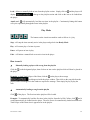
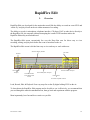
,
,
,
,
,
, and
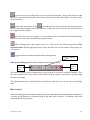
icons will bring the Quick Pick Screens when
activated. Each button will activate the corresponding Quick Pick Screen according to their headings.
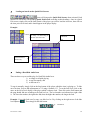
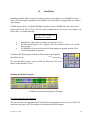
The
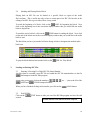
icon allows for additional function icons. The
found in the Jock Drop Boxes.
icon allows updating any information
How to use it
✔
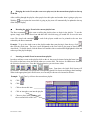
To get into Live or Pause Mode
The program starts out in the default as
return to Live, click on Auto once.
✔
mode. To change to
, click on Live (the default) once. To
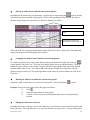
To update Drop Box Data
From time to time, new drops are created and need to be implemented to add flair to a jock’s program.
In order to keep up to date with new drops that have been created in the Drops Data section, simply click
on the Log-in icon to refresh the Drop Box with new changes.
RapidFire
Menu
Time—Click on this option to set the computer’s clock. Adjust the hour, minute, or second by
clicking on the appropriate + and – buttons. After adjusting the clock, click on update to set it.
Last revision 12/00
12