1
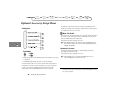
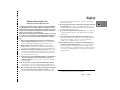
Using Voice Activation with Quick Access Features
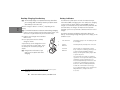
To activate a quick access feature using Voice Control:
1 Press E.
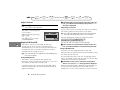
If there is a quick access feature with a Voice Tag, the
following prompt appears:
Say Name After Tone...
2 Wait for the tone to finish and then say the name.
Press C to return to the idle screen. Press a numeric key or
O to activate the appropriate Quick Access feature. Press
ª to display the Quick Access menu list.
If the phone does not find a matching Voice Tag, No Match
Found appears and you return to the Quick Access menu.
If the name you say matches a Voice Tag, the phone repeats
the name and displays the entry for the Quick Access feature.
3 Do one of the following:
• Wait for two seconds and the phone activates the feature.
• Press O to activate the feature or C to return to the
Quick Access menu list.
• Press ª to display the next entry in the Quick Access
menu.
When you scroll to a Quick Access feature that has a Voice Tag,
your phone replays the Voice Tag through the speaker.
Using Voice Features
37