1
Answering system settings
Voice language
You can select English or French to be used for the voice prompts in your
answering system. The voice language is preset to English.
1. When the handset or the telephone base is not in use, press Answer ON/OFF
MENU/SELECT.
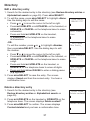
>Ans sys setup
2. Press or to scroll to >Answering sys, then press
MENU/SELECT.
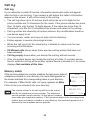
3. Press or to scroll to >Ans sys setup, then press
Msg alert tone
MENU/SELECT.
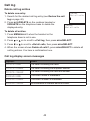
>Voice language
4. Press or to scroll to >Voice language, then press
MENU/SELECT.
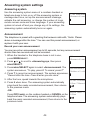
5. Press or to choose >English or >Français.
VOICE LANGUAGE
6. Press MENU/SELECT to save and you hear a
>English
confirmation tone.
49