1
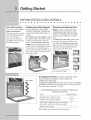
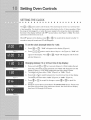
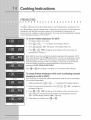
To set the oven for Convection Bake and temperature to 350°F:
1,
Arrange interior oven racks and pUacefood in oven,
2.
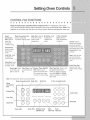
Press _
A or @.
Conv_lo_
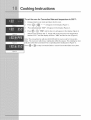
I_
- --°" wHUappear in the display (Figure 1).
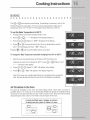
3. Press
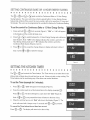
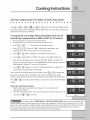
(Z),(Z),(Z)'"3s°°"w,U
appear
inthedispUay
(Figure
2).
4.
Press (_).,,,,
or _.
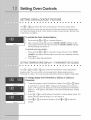
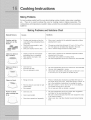
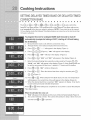
"PRE" and the fan icon wHUappear in the dispUay (Figure 3)
until the oven reaches 350 ° F. A beep wHUsound once the oven temperature
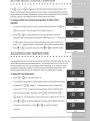
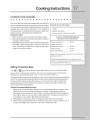
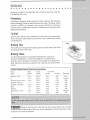
reaches 350 ° F and the dispUay will show "350°"and the fan icon (Figure 4).
Note: The convection fan wiii start AS SOON AS the oven is set for Convection
Bake. The oven icon will show a rotating fan within the square. This rotating fan icon
indicates when the Convection Fan is operating (See rotating fan in Figure 4).
Press (_) or _
to stop Convection Bake or cancel Convection Bake at any time.