1
Analog modules
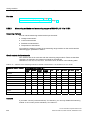
5.18 Interrupts of analog modules
5.18
Interrupts of analog modules
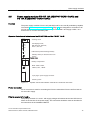
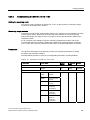
Introduction
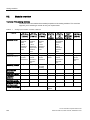
This section describes the interrupt reaction of analog modules. There are two types of
interrupt:
● Diagnostic interrupt
● Hardware interrupt
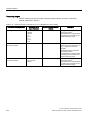
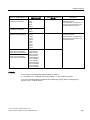
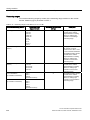
Note: certain analog modules do not support interrupts, or can only partially "handle" the
interrupts described below. For information on modules supporting interrupt functions, refer
to their specifications.
For detailed information on the OBs and SFCs mentioned below, refer to the STEP 7 Online
Help.
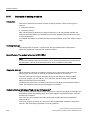
Enabling interrupts
The interrupts are not preset - in other words, they are inhibited without appropriate
parameter assignment. Interrupts are enabled in STEP 7.
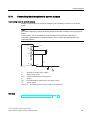
Special feature: The module is inserted in ER-1/ER-2
Note
If you use the analog module in ER-1/ER-2, you must set the parameters for the input of all
the interrupts to "No" because the interrupt lines are not available in ER-1/ER-2.
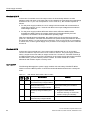
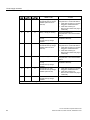
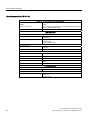
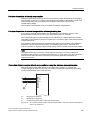
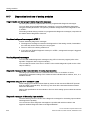
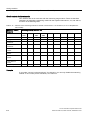
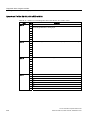
Diagnostic interrupt
When diagnostic interrupts are enabled, incoming error events (initial occurrence) and
outgoing error events (error is cleared) are reported by means of an interrupt.
The CPU interrupts user program execution, and executes diagnostic interrupt OB82.
In the user program, you can call SFC 51 or SFC 59 in OB 82 to obtain more detailed
diagnostic information from the module.
The diagnostic information is consistent until such time as OB 82 is exited. When OB 82 is
exited, the diagnostic interrupt is acknowledged on the module.
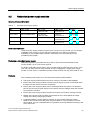
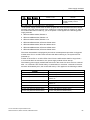
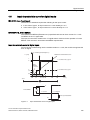
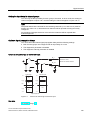
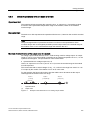
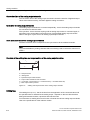
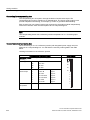
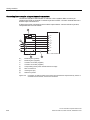
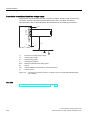
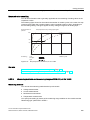
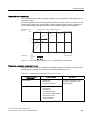
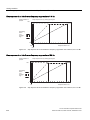
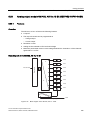
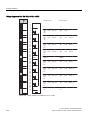
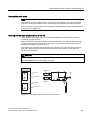
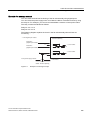
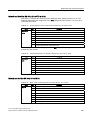
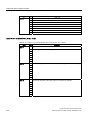
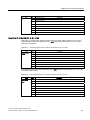
Hardware interrupt with trigger "high and low limit exceeded"
Define a working range by setting a high and low limit. If the process signal (for example, the
temperature) leaves this working range, the module triggers a hardware interrupt, provided
the interrupt is enabled.
As a result, the CPU interrupts execution of the user program and executes hardware
interrupt OB 40.
In the user program of OB 40, you can set how the programmable controller is required to
react to a limit value being surpassed or not being reached.
246
S7-400 Automation System Module Data
Reference Manual, Edition 09/2009, A5E00850736-06