1
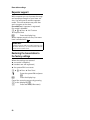
Operating the answer machine of the Gigaset S685 base station
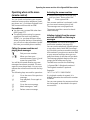
Playing back messages
The date and time of each message is
logged (provided this has been set,
page 10) and displayed during the playback. If Calling Line Identification is activated, the caller's number is displayed. If
the caller's number is saved in the directory, their name is displayed.
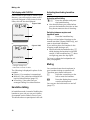
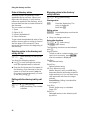
Playing back new messages
New messages that have not yet been
heard are indicated by the à icon in the
display and by the f key flashing on the
handset.
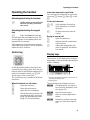
f
Press the message key.
Ans M.:
Select and press §OK§.
An announcement informs you if there are
new or old messages.
If there are new messages, playback then
begins with the first new message. After
the last new message you will hear the
end tone and an announcement about
how much recording time remains.
If the message has been saved with the
date and time you will hear an appropriate
announcement before playback begins.
Playing back old messages
You can listen to old messages if there are
no more new messages. Begin playback as
described under "Listening to new messages".
After the entry time and date have been
played back (after approx. 3 seconds) a
new message assumes the status "old".
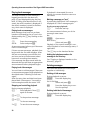
Stopping and controlling playback
During message playback:
2
Pause playback. Press 2
again to resume.
t or ³
To the previous message.
s or 3
To the next message.
2xs
To next-but-one message.
38
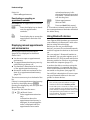
If playback is interrupted for over a
minute, the answer machine returns to
idle status.
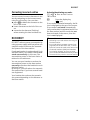
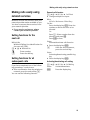
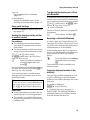
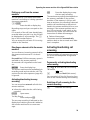
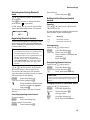
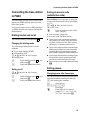
Marking a message as "new"
A previously played back "old" message is
displayed as a "new" message again.
During message playback:
*
Press the star key.
An announcement informs you of the
message's new status.
Or:
§Options§
Open menu.
Mark as New
Select and press §OK§.
Playback of the current message is cancelled. Playback of next message starts, if
applicable.
The f key on the handset flashes.
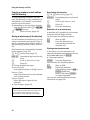
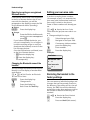
Adding the telephone number of a
message to the directory
See "Copying a displayed number to the
directory", page 23.
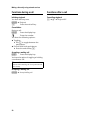
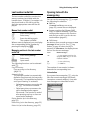
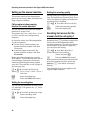
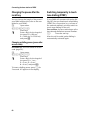
Deleting messages
You can either delete all old messages
together or individually.
Deleting all old messages
During playback or pause:
§Options§
Press the display key.
Del All Old Msgs
Select and press §OK§.
§Yes§
Press the display key to confirm the prompt.
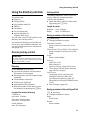
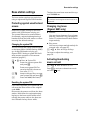
Deleting individual old messages
During playback or pause:
§Delete§
Press the display key.