1
Adjusting the LCD Display
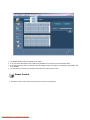
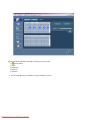
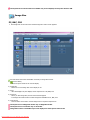
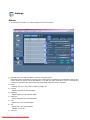
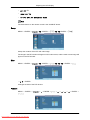
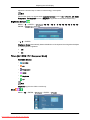
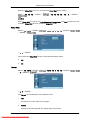
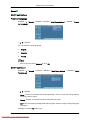
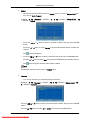
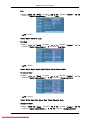
Caption Mode
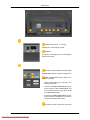
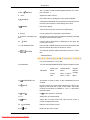
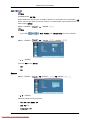
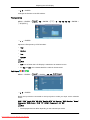
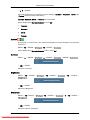
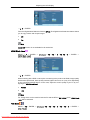
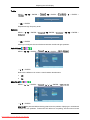
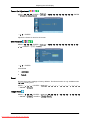
D.MENU → → → → [Setup] → ENTER → → → → ENTER→ [Caption] → → ENTER→ [Caption Mode]
→
,
→ ENTER
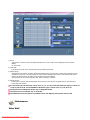
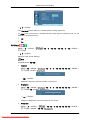
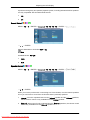
•
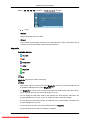
The Default is “CC1“.
•
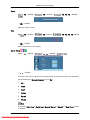
CC1 : The Primary Synchronous Caption Service.
These are captions in the primary language that must be in sync with the sound, preferably
matched to a specific frame.
•
CC2 : The Special Non-Synchronous Use Captions.
This channel carries data that is intended to augment information carried in the program.
•
CC3 : Secondary Synchronous Caption Service.
Alternate program-related caption data, typically second language captions.
•
CC4 : Special Non-Synchronous Use Captions. Similar to CC2.
•
Text1 : First Text Service. This may be various non-program related data.
•
Text2 : Second Text Service. Additional data, usually not program related.
•
Text3 / Text4 : Third and Fourth Text Services.
These data channels should be used only if Text1 and Text2 are not sufficient.
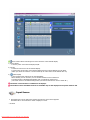
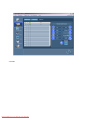
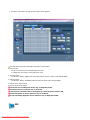
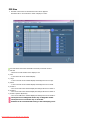
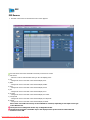
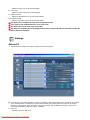
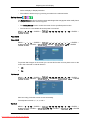
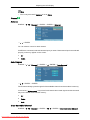
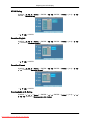
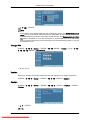
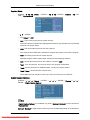
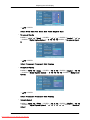
Digital Caption Options
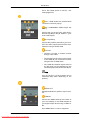
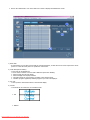
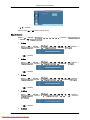
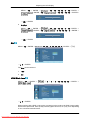
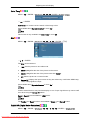
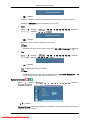
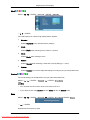
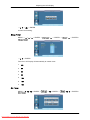
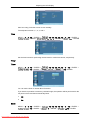
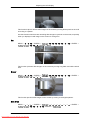
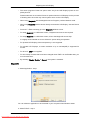
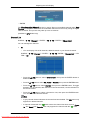
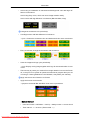
D.MENU → → → → [Setup] → ENTER → → → → ENTER→ [Caption] → → →
ENTER→ [Digital Caption Options]
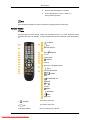
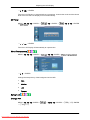
Note
“Digital Caption Options” are available only when “Service1~Service6” can be selected in
“Caption Mode”.
Service1~Service6 in digital caption mode may not be available depending on the broadcast.
98
Downloaded From TV-Manual.com Manuals