1
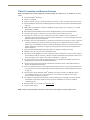
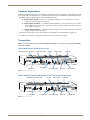
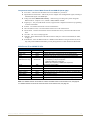
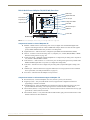
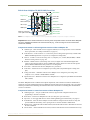
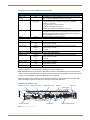
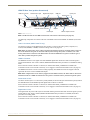
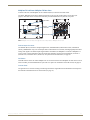
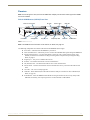
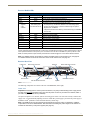
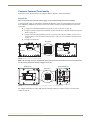
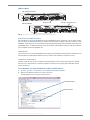
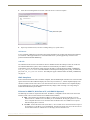
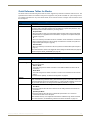
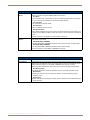
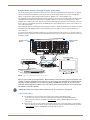
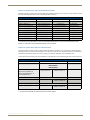
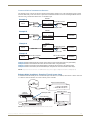
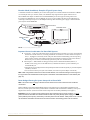
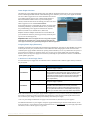
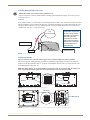
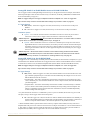
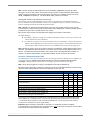
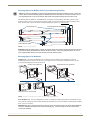
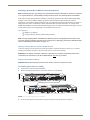
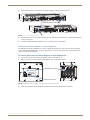
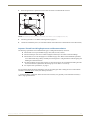
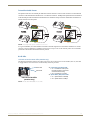
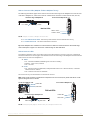
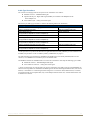
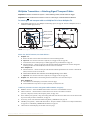
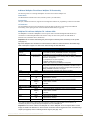
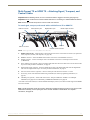
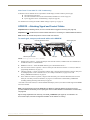
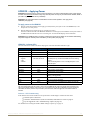
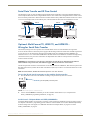
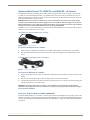
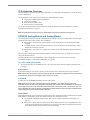
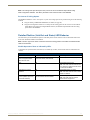
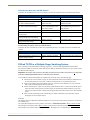
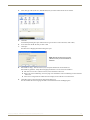
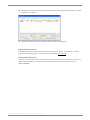
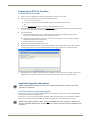
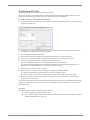
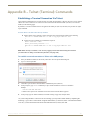
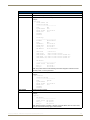
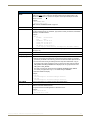
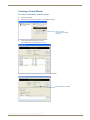
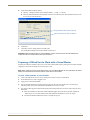
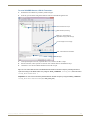
Appendix C – Virtual NetLinx Master 5. Under Virtual NetLinx Master Options: a. Optional – Change the Master System Number (default = 1; range = 1 to 65535). b. Select the desired IP Address in the Available Connections list (this will be the static IP address that the PC was set to in the previous instructions). Change Master System Number (optional) Select IP Address (PC’s static IP address) 6. Click Select. 7. Click OK to save the changes and close the dialog box. The Virtual Master displays in the NetLinx Studio’s OnLine Tree. Important: When transferring files via a Virtual Master, a direct connection must be made between the module and the PC via the module’s ICS LAN 10/100 port. Preparing a DXLink Unit to Work with a Virtual Master Preparing the DXLink Transmitter or Receiver to work with a Virtual Master requires placing the unit in Static IP Mode, assigning it a device ID, and setting the connection type to TCP. Note: When using the first set of instructions below, only one DXLink Module can be connected to the Virtual Master at a time because the static IP address is the same for all modules. To place a DXLink Module in Static IP Mode: 1. Connect the DXLink unit via its ICS LAN 10/100 port to the PC acting as a Virtual Master. 2. Set the DIP Switch’s #1 and #3 Toggles to ON. 3. Apply power to the DXLink Module. 4. Once the DXLink Module has booted up (the Power LED on the front of the module turns a constant green, indicating a ready state), press and hold the ID Pushbutton for at least 10 seconds. 5. The NetLinx LEDs toggle back and forth during this time and then blink faster in unison; release when the faster blink starts. When the Pushbutton is released, the DXLink Module toggles either from static to dynamic (DHCP) IP addressing or vice versa and remains in that mode until the ID Pushbutton is used to set it again. The DXLink Module automatically reboots to complete the process. Instruction Manual – DXLink™ Twisted Pair Transmitters/Receiver 121