1
Configuring Your AirPort Wireless Connection
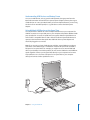
You can configure your AirPort Extreme network and Internet connection using AirPort
Setup Assistant, located in the Utilities folder within your Applications folder. The
assistant helps you configure the AirPort Express or AirPort Extreme Base Station and
set up your computer to use AirPort Extreme. For more information about your base
station, see the documentation that came with it.
If your AirPort Express or AirPort Extreme Base Station is already configured, in most
cases your AirPort Extreme technology is ready to access it immediately.
To check if you have access to an AirPort network:
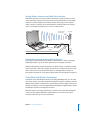
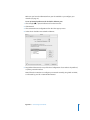
m Click the AirPort status icon in the menu bar and choose an AirPort network listed
there.
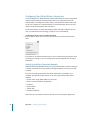
If you don’t see an AirPort network listed, you can use AirPort Setup Assistant to check
or change your settings, or you can change them using the Network pane of System
Preferences.
Setting Up an AirPort Connection Manually
Gather the following information from your system administrator if you’ll be setting up
a manual connection, which uses specific preassigned addresses for your servers and
computer.
If you’ll be connecting using DHCP, most of this information is provided to your
computer automatically by the network, so ask your system administrator what is
required.
 Domain name server (DNS) addresses, if necessary
 DHCP or manual IP address configuration
 IP address
 Router address
 Subnet mask
 Password, if required
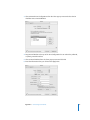
Next, make sure your AirPort connection options are active in Network preferences.
86
Appendix C Connecting to the Internet