1
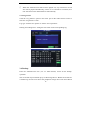
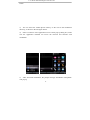
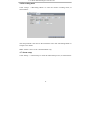
characteristic of this product is when you move the cursor to any option, the
prompting message of this option will be displayed automatically in the
lower part of the screen.
3.2 Recording mode
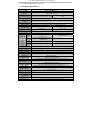
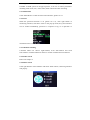
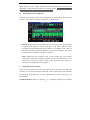
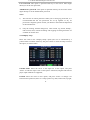
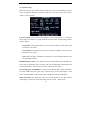
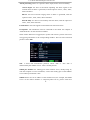
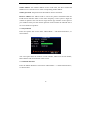
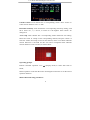
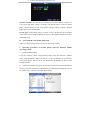
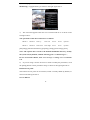
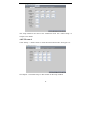
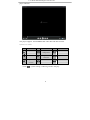
Enter the Recording Mode screen from “Main Menu”—“Recording Mode”, as
shown below:
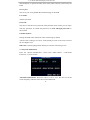
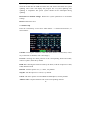
Channel: used to select if the video recording function is enabled for the
corresponding recording channel.
Resolution: available in the 3 levels of highest, high and normal, in which the
recording resolution is the highest at the highest level; the 3 levels correspond to
the 3 standard resolutions of D1, HD1 and CIF respectively. (Note: This option is
available for 4-channel DVRs only, and the resolution of 8-channel DVRs is CIF
by default and unchangeable.)
Bit rate: available in the 3 levels of highest, high and normal, corresponding to
the 3 data stream standards of highest, high and medium bit rates.
Audio recording: switching on or off audio recording.
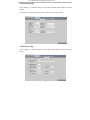
Video recording mode: available in the two modes of startup recording and
timing recording.
Startup recording: starting recording when this unit is energized (It works
only if the corresponding channel is enabled in the “Channel” option.)
16