1
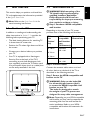
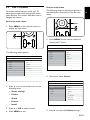
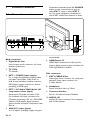
3.3 Connect the antenna cable
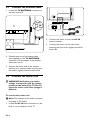
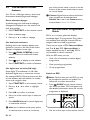
1. Locate the TV ANTENNA connector at
the back of the TV.
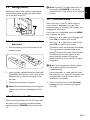
2. Connect the mains cord to the AC IN
mains connector.
3. Connect the mains cord to the mains,
ensuring that the cord is tightly secured at
both ends.
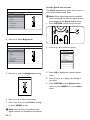
2. Connect one end of an antenna cable
(not supplied) to the TV ANTENNA
connector. Use an adaptor if the antenna
cable does not fit.
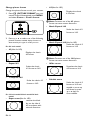
3. Connect the other end of the antenna
cable to your antenna outlet, ensuring that
the cable is tightly secured at both ends.
3.4 Connect the mains cord
BBWARNING:Verify that your mains
voltage corresponds with the voltage
printed at the back of the TV. Do not
insert the mains cord if the voltage is
different.
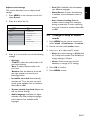
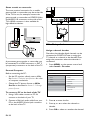
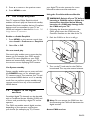
To connect the mains cord
DDNote: The location of the mains connector
according to TV model.
1. Locate the AC IN mains connector at the
back or on the bottom of the TV.
EN-8