1
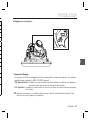
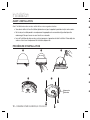
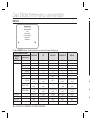
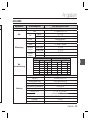
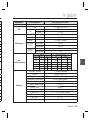
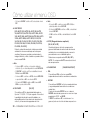
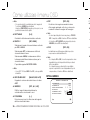
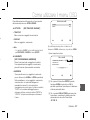
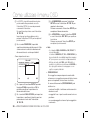
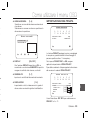
Introduction
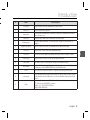
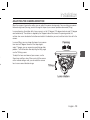
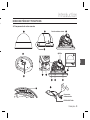
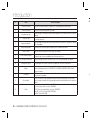
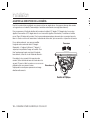
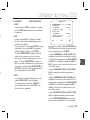
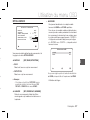
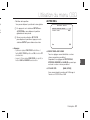
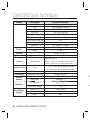
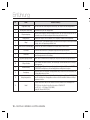
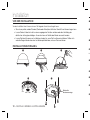
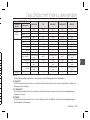
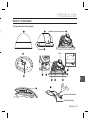
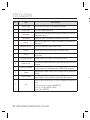
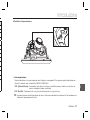
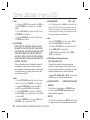
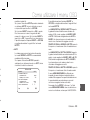
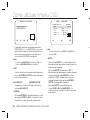
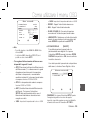
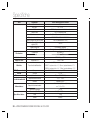
No
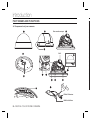
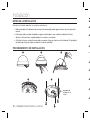
Name
1
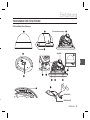
Cover dome
Brief description
Covers the inner cover, lens, and main body to protect them.
2
Inner cover
Covers the main body to protect it.
3
Wing locker
Push a long thin screwdriver into its narrow spot and press it outward when you want to
remove the inner cover.
4
Main body
5
Mount bracket
6
Ceiling mount opener
7
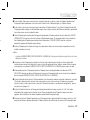
Zoom lever
Using this lever, the lens zoom can be adjusted and fixed.
8
Focus lever
The lens focus can be adjusted by rotating it left or right. Rotate it clockwise for fixing.
9
Tilt fixing screw
10
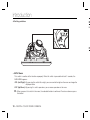
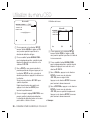
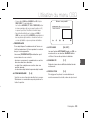
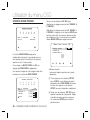
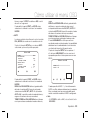
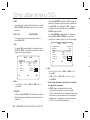
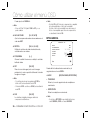
5-way Switch
This switch is used to set and adjust the settings of the camera’s functions.
11
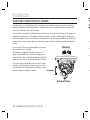
Groove mark
To attach the Main body to the Mount bracket, align this groove mark on the Main body with
the wide groove in the CAMERA FRONT side on the Mount bracket.
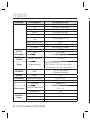
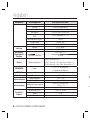
12
Locker
Lock releaser
14
Cable
Remove it for line connection to the ceiling when it is installed on the ceiling.
Using this screw, the slope of the lens can be adjusted and fixed.
Used to open or close the Cover dome. To open the cover dome, press the locker.
Push it outward and rotate the main body in UNLOCK direction when you want to remove
the Mount bracket from the Main body or to remove the installed camera from the Mount
bracket.
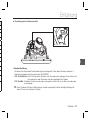
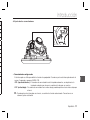
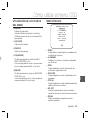
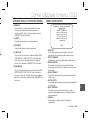
Connect the Video connector to BNC cable and Power connector to power adapter.
EXT. D/N is a port for DAY/NIGHT conversion.
High(DC +3V ~ +5V): DAY(COLOR) Mode.
Low(0V): NIGHT (BW) Mode.
English – 9
ENG
13
Includes a lens, a switch board, a PCB board, screws, and such.
Used as a ceiling or wall fixture. It is fixed using three long tab screws provided in the
package.