1
KNR-p4Px4 KNR-p16Px8 User Manual
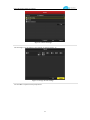
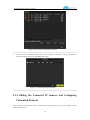
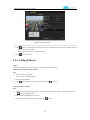
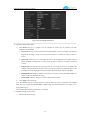
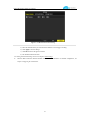
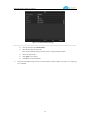
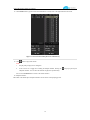
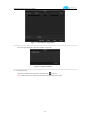
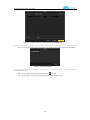
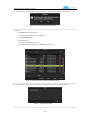
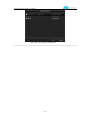
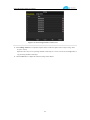
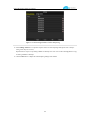
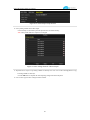
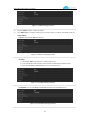
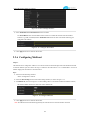
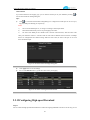
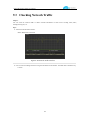
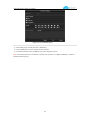
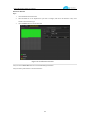
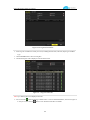
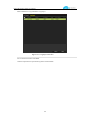
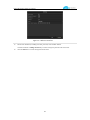
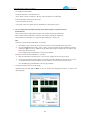
Figure 9. 35 Network Stat. Interface
3. Check the bandwidth of IP Camera, bandwidth of Remote Live View, bandwidth of Remote Playback, bandwidth
of Net Receive Idle and bandwidth of Net Send Idle.
4. You can click Refresh button to get the newest status.
143