1
NOTE: A Bluetooth adapter is not included with the printer.
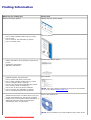
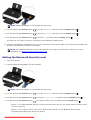
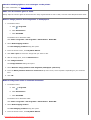
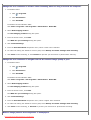
3. Use the left and right Arrow buttons
to scroll to BLUETOOTH, and then press the Select button
.
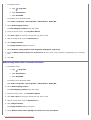
4. Use the left and right Arrow buttons
to scroll to Discovery, and then press the Select button
.
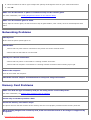
5. Use the left and right Arrow buttons
to scroll to On, and then press the Select button
.
The printer is now ready to accept a connection from a Bluetooth-enabled device.
6. Configure the Bluetooth-enabled device to set up a connection to the printer. Refer to the instructions included with
the device for Bluetooth connection information.
NOTE: If the Bluetooth Security Level on the printer is set to High, you must enter a pass key. For more
information, see Setting the Bluetooth Security Level.
Setting the Bluetooth Security Level
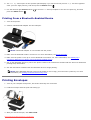
1. Turn on the printer.
2. Insert a Bluetooth USB adapter into the USB port.
NOTE: A Bluetooth adapter is not included with the printer.
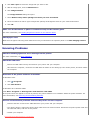
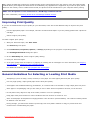
3. Use the left and right Arrow buttons
to scroll to BLUETOOTH, and then press the Select button
.
4. Use the left and right Arrow buttons
to scroll to Security Level, and then press the Select button
5. Use the left and right Arrow buttons
to choose a security level, and then press the Select button
.
.
Choose Low to allow Bluetooth devices to connect and send print jobs to your printer without requiring users
to enter a pass key.
Choose High to require users to enter a four-digit numeric pass key on the Bluetooth device before
connecting and sending print jobs to the printer.
Downloaded from ManualsPrinter.com Manuals