1
Index
Data Encoder
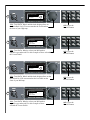
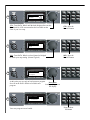
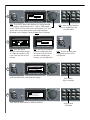
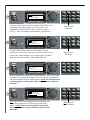
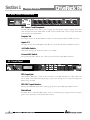
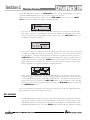
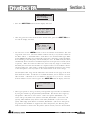
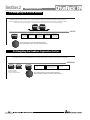
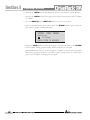
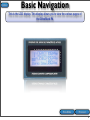
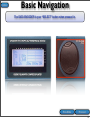
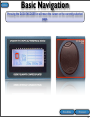
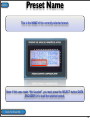
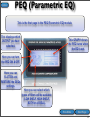
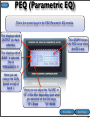
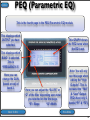
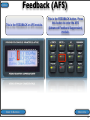
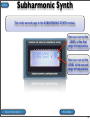
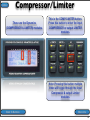
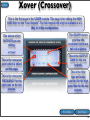
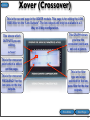
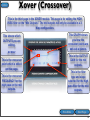
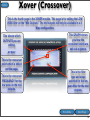
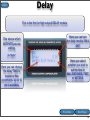
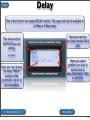
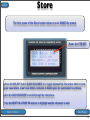
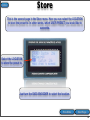
This is the DATA ENCODER. Turning it will change the currently selected
parameter. It is also the SELECT button when pressed in. Pressing it in will move
the arrow (cursor) in the display. In other words it allows you to “Select” the
parameter that you would like to edit within the currently selected page then turn
the DATA ENCODER to change that parameter.
Back To Virtual PA
72