1
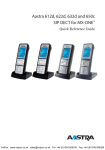
Aastra 612d, 622d, 632d and 650c Quick Reference Guide
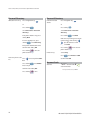
Personal Directory
Personal Directory
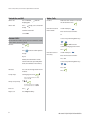
Add/edit new entry:
Edit Phone book
details:
Press navigation keys
or
Press navigation key
or
Press softkey
Press softkey
Select Directories -Personal
directory
Select Directories -Personal
directory
If the phone book is emty press
softkey New
Press softkey
Edit entries by moving cursor to the
number/letters with the keys
press C to delete. Confirm
input with OK.
If entries already exist, press
softekey
select New entry
Enter phone book detailes and
confirm with softkey OK
Press softkey
to save the
phone book entry.
Press softkey
to save the the
phone book entry.
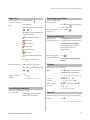
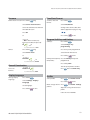
Delete entry:
Select entry
Press
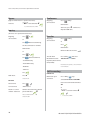
New entry from caller
Press
list:
list
select Delete and OK
Confirm with OK
Select entry from caller
Press softkey
select Add to
Enter entry details
select Edit
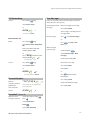
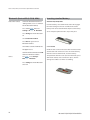
Account Code
Activate:
* 61 * account code #
external number
Confirm with softkey OK
Press softkey
12
Norway and Finland: Press * 71 *
to save
Aastra 612d, 622d, 632d and 650c