1
Configuring the Network
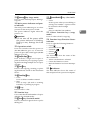
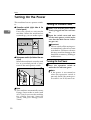
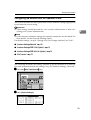
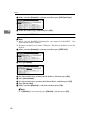
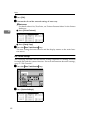
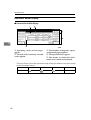
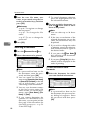
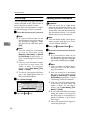
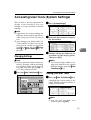
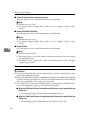
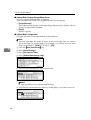
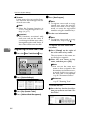
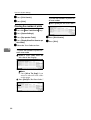
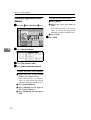
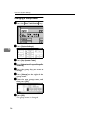
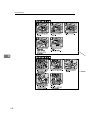
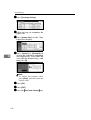
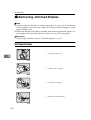
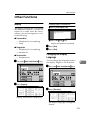
C Press [File Transfer].
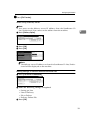
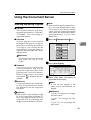
When using a delivery server
Note
❒ You must set the delivery server IP address from the ScanRouter V2
Lite/Professional. You cannot set the address from the machine.
2
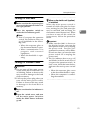
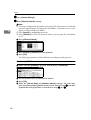
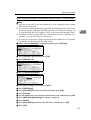
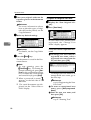
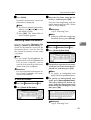
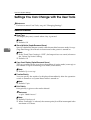
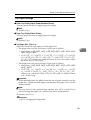
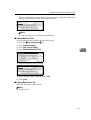
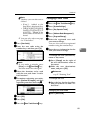
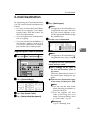
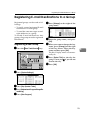
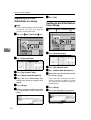
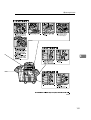
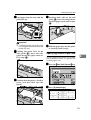
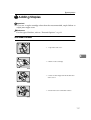
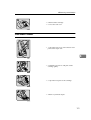
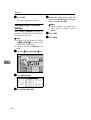
A Press [Delivery Option].
B Press [ON].
C Press [OK].
Note
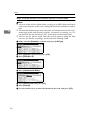
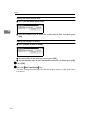
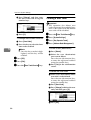
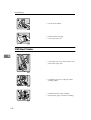
❒ The delivery server IP address set from the ScanRouter V2 Lite/Professional will be displayed on the machine.
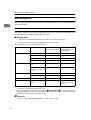
Making settings to transmit received facsimile files
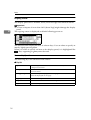
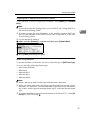
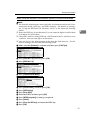
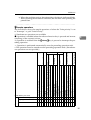
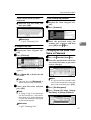
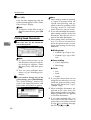
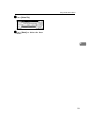
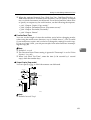
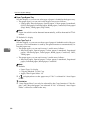
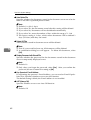
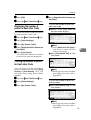
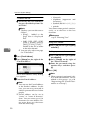
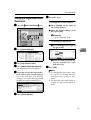
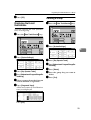
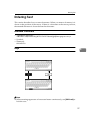
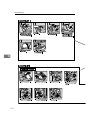
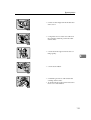
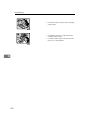
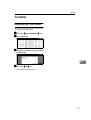
A Press [Fax RX File Transmission].
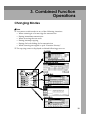
B Make the following settings as required:
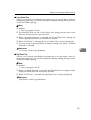
• Setting per Line
• Print at Delivery
• File to Deliver
• Delivery Failure File
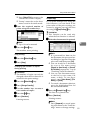
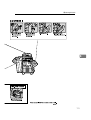
C Press [OK].
33