1
d160d170.bk : abtphone.fm5 Page 12 Monday, December 15, 1997 4:08 PM
Your Battery
Batteries and Charging Information
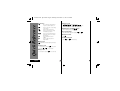
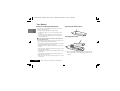
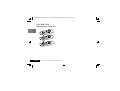
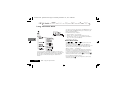
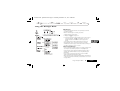
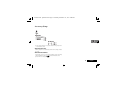
Removing the Battery Cover
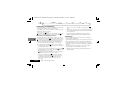
To ensure that you enjoy maximum battery life and use your
battery to it's fullest capacity:
• Always use Motorola approved battery chargers.
• The battery should be at or near room temperature when
charging.
• Once a week, allow your battery to discharge completely
before recharging (to fully discharge, leave your phone on
until it turns itself off).
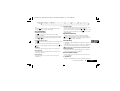
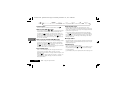
Installing the Battery
!Do not leave the battery connected to any charger for
longer than 24 hours.
A
A new battery’s full performance is achieved only after two or
three complete charge and discharge cycles.
• Best battery performance will be achieved when you regularly
charge and discharge batteries as instructed.
• Battery performance is greatly affected by the coverage of the
network.
• Keep the antenna fully extended whenever possible to ensure
maximum signal strength.
• The performance of your batteries will gradually reduce if used
substantially.
• If left unused, a fully charged battery will discharge itself in
approximately one month.
• When not in use, store your battery uncharged in a cool, dark
and dry place.
English
12
About Your Phone, Battery and SIM Card
A
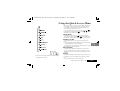
When re-inserting the battery, it can only be inserted one way
with the black plastic ‘foot’ of the battery pointed to the left
hand side.