1
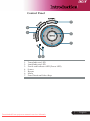
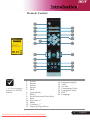
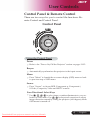
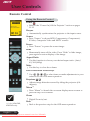
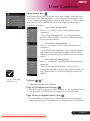
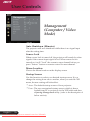
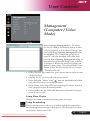
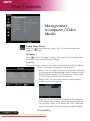
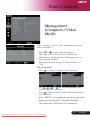
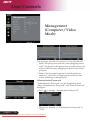
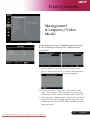
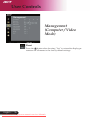
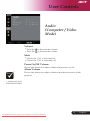
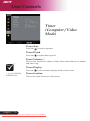
User Controls Empowering Key Acer Empowering Key provides three Acer unique functions, they are “Acer eView Management”, “Acer eTimer Management” and “Acer eOpening Management” respectively. Press “e” key for more than one second to launch the on screen display main menu to modify its function. Acer eView Management Press “e” to launch “Acer eView Management” submenu. “Acer eView Management” is for display mode selection. Please refer to On Screen Display Menus section for more detail. Acer eTimer Management Press “e” to launch “Acer eTimer Management” submenu. “Acer eTimer Management” provides the reminding function for presentation time control. Please refer to On Screen Display Menus section for more detail. Acer eOpening Management Press “e” to launch “Acer eOpening Management” submenu. “Acer eOpening Management” allows user to change the Startup screen to their personalized image. Please refer to On Screen Display section for details. (*): for XD1150D, XD1250D only. Volume (*) Increase/decrease the volume. Page Up (Computer mode only) Use this button to page up. This function is only available when the projector is connected to a computer via an USB cable. Page Down (Computer mode only) Use this button to page down. This function is only available when the projector is connected to a computer via an USB cable. 17 ... English Downloaded From projector-manual.com Acer Manuals