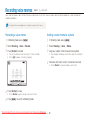
1
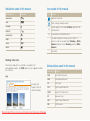
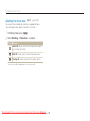
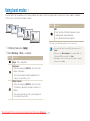
Selecting options
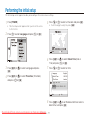
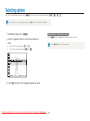
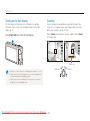
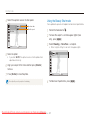
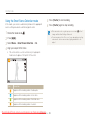
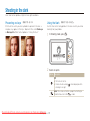
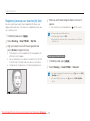
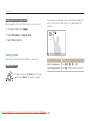
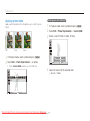
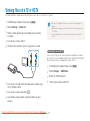
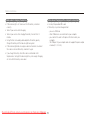
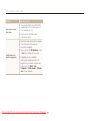
E.g. Selecting a white balance option in the P mode
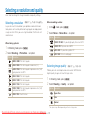
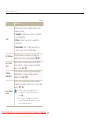
1
2
Rotate the mode dial to p.
3
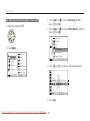
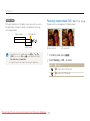
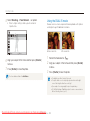
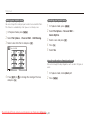
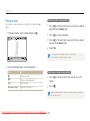
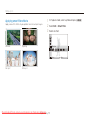
Press [D] or [M] to scroll to Shooting and then
press [t] or [o].
4
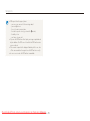
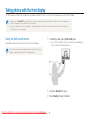
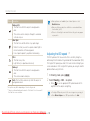
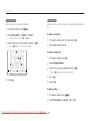
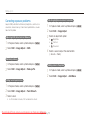
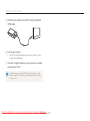
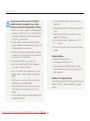
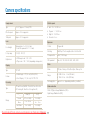
Press [D] or [M] to scroll to White Balance and then
press [t] or [o].
Photo Size
Quality
EV
ISO
White Balance
Face Detection
Smart FR Edit
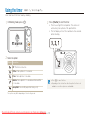
Press [m].
Photo Size
Shooting
Sound
Quality
Exit
EV
Back
ISO
Display
White Balance
Settings
Face Detection
5
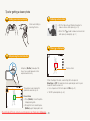
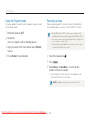
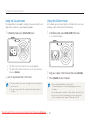
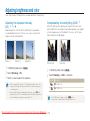
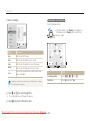
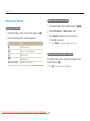
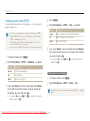
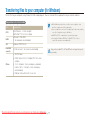
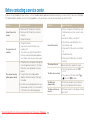
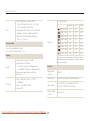
Press [F] or [t] to scroll to a white balance option.
Smart FR Edit
Exit
Change
Daylight
Back
6
Downloaded From camera-usermanual.com Samsung Manuals
Basic functions
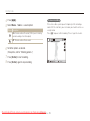
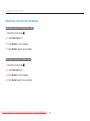
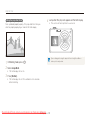
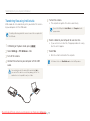
Press [o].
20
Move