1
SR150
USERS GUIDE
Connecting to a Secure Network
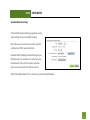
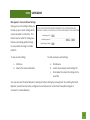
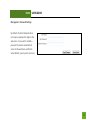
If the wireless network you are trying to repeat has
wireless security enabled, you will be prompted to
enter a security key. If you did not select a secure
network, continue to the next step.
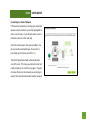
Enter the security key in the space provided. You
do not need to select what type of security it is,
just simply type in the key and click Next.
The Smart Setup Wizard will automatically take
care of the rest. If the key you entered is incorrect
it will prompt you to enter the key again. If you do
not know the key to the network you are trying to
repeat, then click Back and select another network.
11