1
Sprint M550.book Page 17 Tuesday, March 2, 2010 1:24 PM
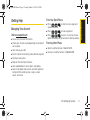
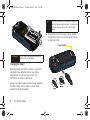
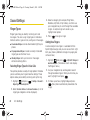
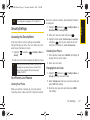
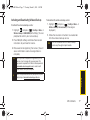
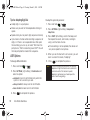
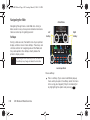
Installing the Battery
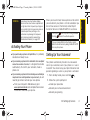
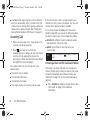
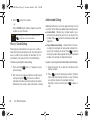
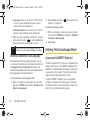
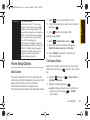
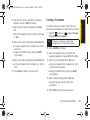
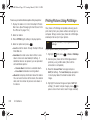
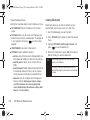
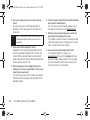
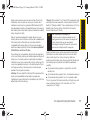
slide it towards the lens (1) and then carefully lift
the battery cover away from the phone (2).
Phone Basics
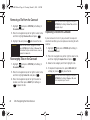
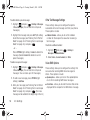
1. In a single motion, press down on the cover and
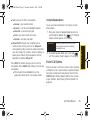
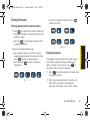
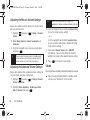
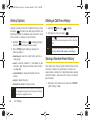
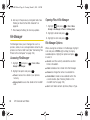
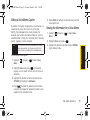
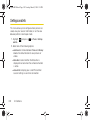
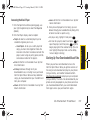
3. Replace the cover by lining up the tabs and then
firmly sliding the cover away from the lens until it
snaps into place.
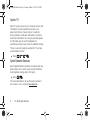
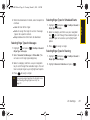
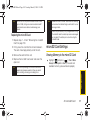
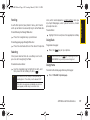
Removing the Battery
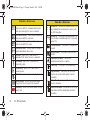
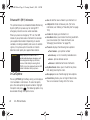
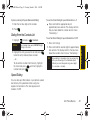
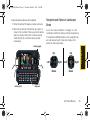
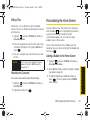
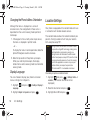
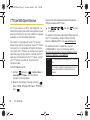
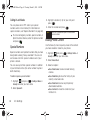
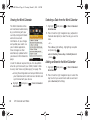
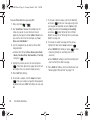
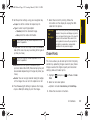
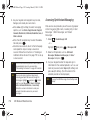
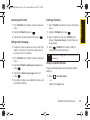
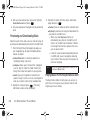
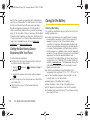
2. Insert the battery into the opening, making sure to
line up the gold contacts (3). Gently press down to
secure the battery (4).
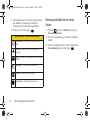
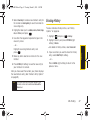
1. Make sure the power is off so that you don’t lose
any stored numbers or messages.
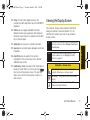
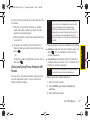
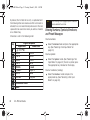
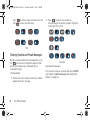
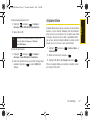
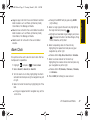
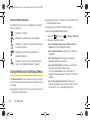
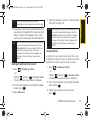
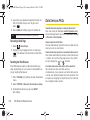
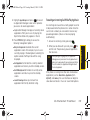
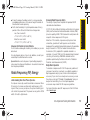
2. In a single motion, press down on the cover and
slide it towards the lens, then remove the battery
from the phone (1 and 2).
2A. Phone Basics
17