1
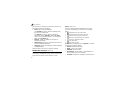
Call barring (Menu 3.2)
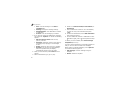
Call waiting (Menu 3.3)
Network services (Menu 3)
This network service allows you to restrict your calls.
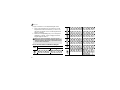
1. Select a call barring option:
• All outgoing: prohibit all outgoing calls.
• International: prohibit international calls.
• International except to home: only allow
calls to numbers within the current country
when you are abroad, and to your home
country, defined as where your home network
provider is located.
• All incoming: prohibit incoming calls.
• Incoming while abroad: prohibit incoming
calls when you use your phone outside of your
home country.
• Cancel all: cancel all call barring settings,
allowing calls to be sent and received normally.
Change barring password: change the call
barring password obtained from your service
provider.
2. Select the type of calls to be barred.
3. Press <Activate>. To deactivate call barring,
press <Deactivate>.
4. Enter the call barring password supplied by your
service provider and press <OK>.
•
Menu functions
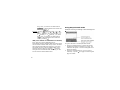
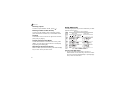
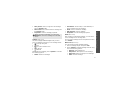
4. Enter the number to which calls are to be diverted
and press <OK>.
5. If you selected No reply, select the length of time
the network delays before diverting a call and
press <Select>.
This network service informs you when someone is
trying to reach you while you are on another call.
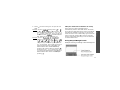
1. Select the type of calls to which the call waiting
option will apply.
2. Press <Activate>. To deactivate call waiting,
press <Deactivate>.
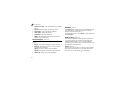
Network selection (Menu 3.4)
This network service allows you to either automatically
or manually select the network used when roaming
outside of your home area.
43