1
Removal and Replacement Procedures
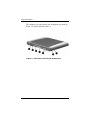
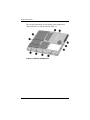
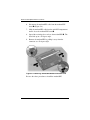
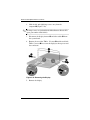
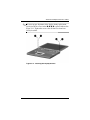
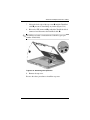
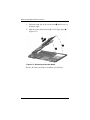
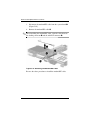
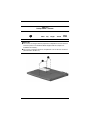
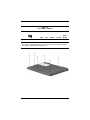
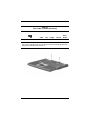
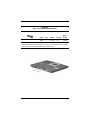
3. Remove the two black PM2 × 4 screws 1 that secure the mini
PCI compartment cover to the base enclosure (Figure 5-3).
mini PCI compartment cover is included in the
✎ The
Miscellaneous Plastics Kit (spare part number 251638-001).
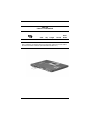
4. Lift up the left edge of the mini PCI compartment cover and
swing it up and to the right 2.
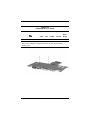
5. Remove the mini PCI compartment cover.
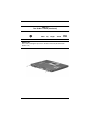
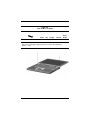
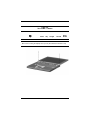
Figure 5-3. Removing the Mini PCI Compartment Cover
Maintenance and Service Guide
5–7