1
05.07
DNC Plant/DNC Cell (FBDN1)
3 Operator interface
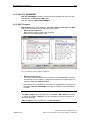
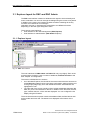
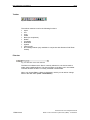
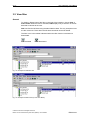
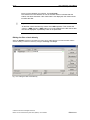
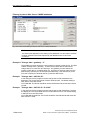
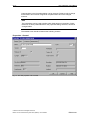
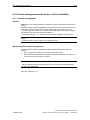
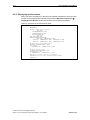
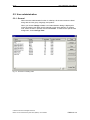
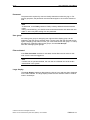
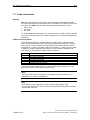
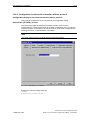
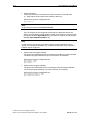
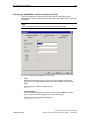
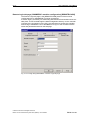
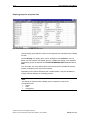
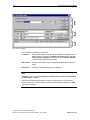
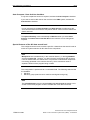
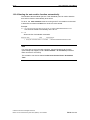
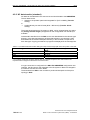
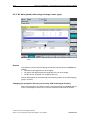
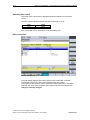
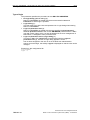
Example 2:
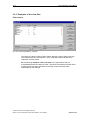
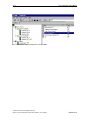
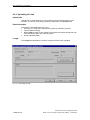
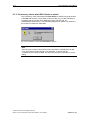
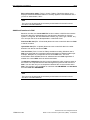
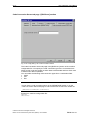
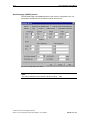
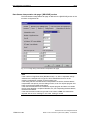
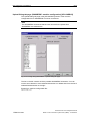
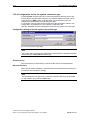
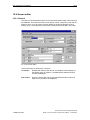
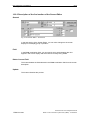
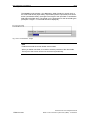
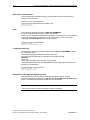
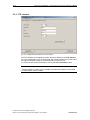
Program name = %d%
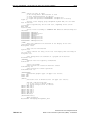
Fig. 3-18: Filtering for the output data with filter: Program name = %d%
The system now displays all the NC data that contains a "d" in the program name.
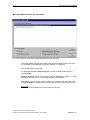
No distinction is made between upper and lower case, which is why "Welcome to
DNC" is also displayed. This is a database setting, however, and may be different
in your database.
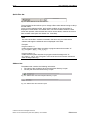
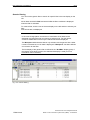
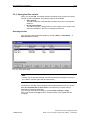
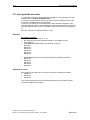
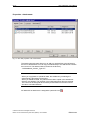
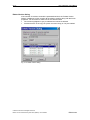
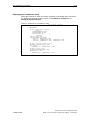
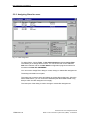
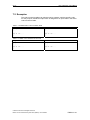
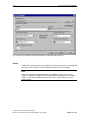
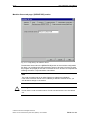
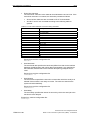
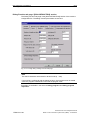
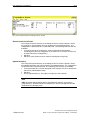
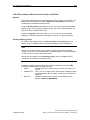
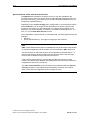
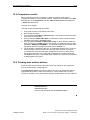
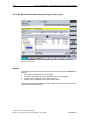
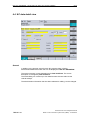
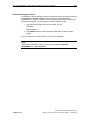
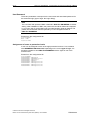
Example 3:
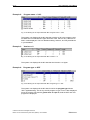
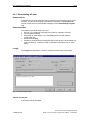
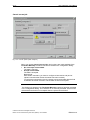
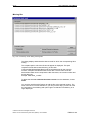
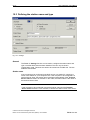
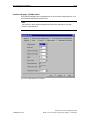
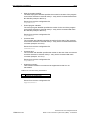
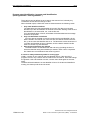
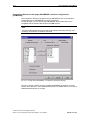
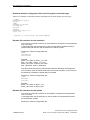
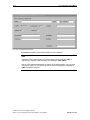
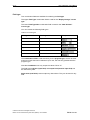
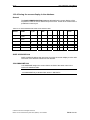
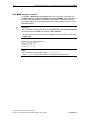
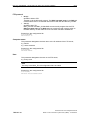
Version >= 2
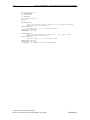
Fig. 3-19: Filtering for the output data with filter: Version >= 2
The system now displays all the NC data that has Version 2 or higher.
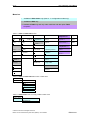
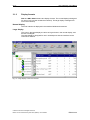
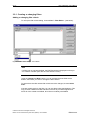
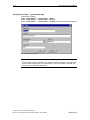
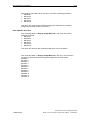
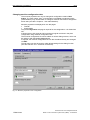
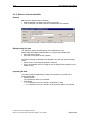
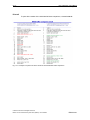
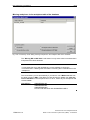
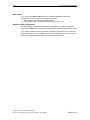
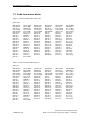
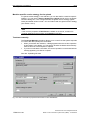
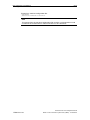
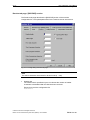
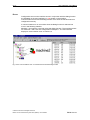
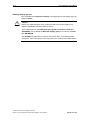
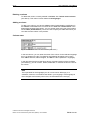
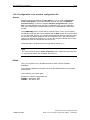
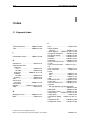
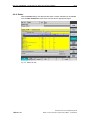
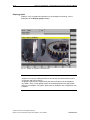
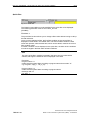
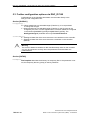
Example 4:
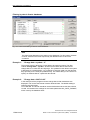
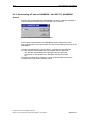
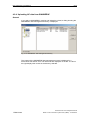
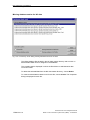
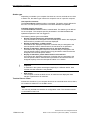
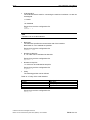
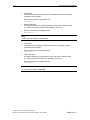
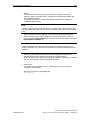
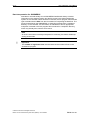
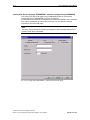
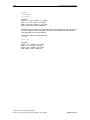
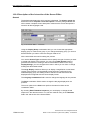
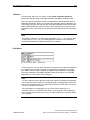
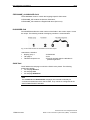
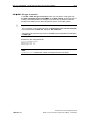
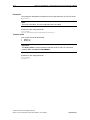
Program type >= SPF
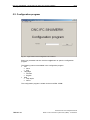
Fig. 3-20: Filtering for the output data with filter: Program type >= SPF
The system now displays all the NC data for which the program type follows
"SPF" (alphabetically). This is why the NC program of type "TOA" is also displayed.
Since the criterion was set with greater than or equal to, both the SPF and TOA
program are displayed.
© Siemens AG 2010 All Rights Reserved
Motion Control Information System DNC (FBDN) - 04/10 Edition
FBDN1/3-47