1
ADCTDN2412N_P_EN.book Page 22 Friday, September 28, 2007 12:49 PM
Setup
Connecting the back panel (continued)
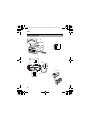
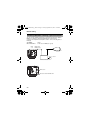
Connecting alarm input/output terminal
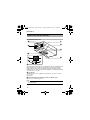
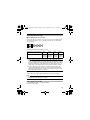
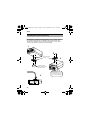
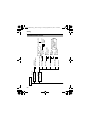
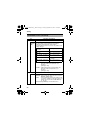
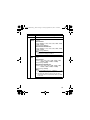
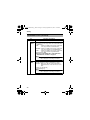
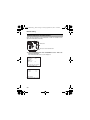
䡵 Alarm input terminal
Connect infrared sensor, door sensor, metal sensor or sensor of manual
switch and the like.
● To prevent noise from entering the internal circuit, supply non-voltage
setting signal.
● Do not supply voltage.
● Can be set via menu whether to set to alarm when the contact is short
(MAKE), or when the contact is open (BREAK). (A Pg. 37)
● Supply such that the alarm signal continues for more than 200 ms. The
recognition of alarm signal may not be guaranteed if less than 200 ms.
IN
GND
CLASS 2 ONLY
ISOLATED POWER ONLY
Z
SEE INSTRUCTION
MANUAL
POWER
+
1
2
DC12V d
AC24V H
INT
LL
MENU
SET
Z Please use a shielded cable.
VIDEO OUT
SELECTOR
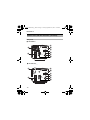
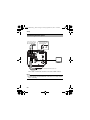
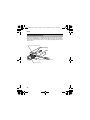
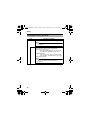
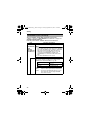
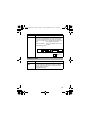
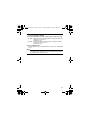
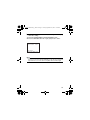
䡵 Alarm output terminal
Connect to alarm devices such as alarm, indicator, light or buzzer.
● Open-collector Low signal.
● Maximum voltage 25 V, current 30 mA.
AUX
22ǡ
GND
22