1
TOP
Back
Advanced Fax
Features
Advanced Copy
Features
1
2
Previous
Next
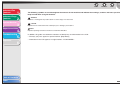
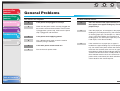
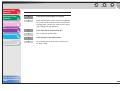
Nothing appears in the LCD.
Q
Is the power cord plugged in securely?
A
Check that the power cord is securely plugged into
the machine and into the wall outlet. If the machine
is plugged into a power strip, make sure the power
strip is plugged in and turned on.
Q
Is the main power switch turned on?
A
Turn on the main power switch.
Q
Is the machine in the Sleep mode?
A
Press [Energy Saver] to take the machine out of
the Sleep mode.
System Monitor
3
Reports and Lists
4
Troubleshooting
5
Appendix
6
Table of Contents
Index
5-3