1
English
Phone book
Changing phone numbers/names
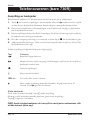
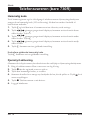
1. Press 0. PHONE BOOK will be displayed.
2. Press 0.
3. Scroll ( {/}) to MODIFY ENTRY. Press 0.
4. Scroll ( {/}) through the entries. Press 0.
5. Correct the name using C and the keypad. Press 0.
6. Correct the number using C and the keypad. Press 0.
7. Select a ringer melody using {/}. Press 0.
8. The handset will return to standby mode, alternatively repeatedly press C .
Deleting a Phone book entry
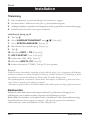
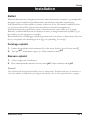
1. Press 0. PHONE BOOK will be displayed.
2. Press 0.
3. Scroll ( {/}) to DELETE ENTRY. Press 0.
4. Scroll ( {/}) through the entries. Press 0.
5. Press 0.
6. The handset will return to standby mode after several seconds, alternatively
repeatedly press C .
EN 5
www.doro.com