1
Programming
Programming
The reader is factory-configured with a set of standard default
features. After scanning the interface bar code from the Interfaces section, select other options and customize your reader
through use of the programming bar codes available in the
Product Reference Guide (PRG). Check the corresponding
features section for your interface, and also the Data Editing
and Symbologies chapters.
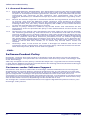
Using Programming Bar Codes
This manual contains bar codes which allow you to reconfigure your reader. Some programming bar code labels, like the
Standard Product Default Settings on page 28, require only
the scan of that single label to enact the change.
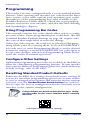
Other bar codes require the reader to be placed in Programming Mode prior to scanning them. Scan an ENTER/EXIT
bar code once to enter Programming Mode; scan the desired
parameter settings; scan the ENTER/EXIT bar code again to
accept your changes, which exits Programming Mode and returns the reader to normal operation.
Configure Other Settings
Additional programming bar codes are available in the PRG to
allow for customizing programming features. If your installation requires different programming than the standard factory
default settings, refer to the PRG.
Resetting Standard Product Defaults
Reference the PRG for a listing of standard factory settings. If
you aren’t sure what programming options are in your reader,
or you’ve changed some options and want the factory settings
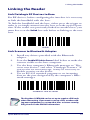
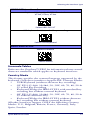
restored, scan the Standard Product Default Settings bar code below to copy the factory configuration for the currently active
interface to the current configuration.
Factory defaults are based on the interface type. Configure the reader for the correct interface before scanning
this label.
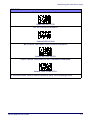
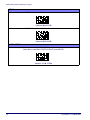
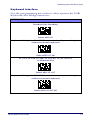
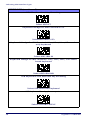
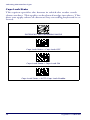
Standard Product Default Settings
28
Gryphon™ I GBT4400