1
SPRINT_TX115C041021_A
2004.10.25
8:58 PM
Page 58
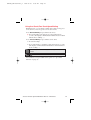
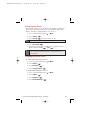
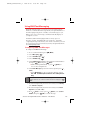
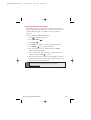
Understanding Roaming
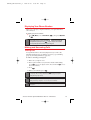
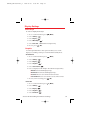
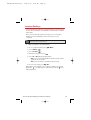
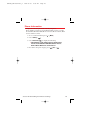
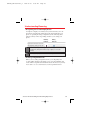
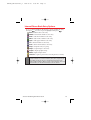
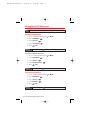
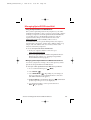
Recognizing Icons on the Display Screen
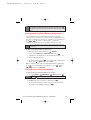
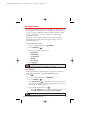
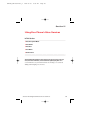
Your phone’s display screen always lets you know when you’re off
the enhanced Sprint Nationwide PCS Network and whether your
phone is operating in analog or digital mode. The following chart
indicates what you’ll see depending on where you’re using your
phone.
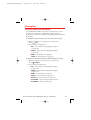
Roaming
Indicator
Analog
Indicator
Sprint Nationwide PCS Network
Other Digital / Analog Networks
Tip:
Remember, when you are using your phone off the Sprint Nationwide
PCS Network, always dial numbers using 11 digits (1 + area code +
number).
Note:
You will pay a higher per-minute rate for roaming calls.
Roaming on Digital Networks
When you’re roaming on digital networks, your call quality and
security will be similar to the quality you receive when making calls
on the enhanced Sprint Nationwide PCS Network. However, you may
not be able to access certain features, such as Sprint PCS Vision.
Section 2D: Controlling Your Roaming Experience
58