1
Eyemax User’s Manual (4.2.0.0)
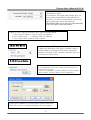
3.6.1.8 Text Inserter
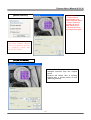
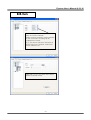
Text Inserter is a function that allows EyeMax DVR system to integrate
with POS machines. Simply install “text_inserter_plugin_for_pos” on
DVR Server, and transactions that occur will be displayed on selected
camera pictures. Transaction recording and text search are possible
as well.
For more detailed installation and information, refer to Appendix 1.
3.6.1.9 Hard Disk Usage
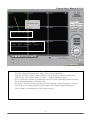
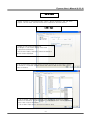
Hard Disk Usage is to select data storage method. If “Once” is
selected, data will be stored up to the point where HDD reaches its
maximum capacity. If “Recycle” is selected, data will be overwritten
from the point HDD reaches its maximum capacity based on “First In
First Out”.
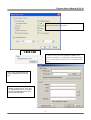
3.6.1.10 I-Phone
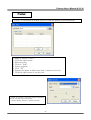
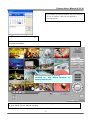
I-Phone is “Two-Way Audio Communication”.
Check the box, go to Control Screen, and click on the I-Phone
button for audio communication. For more detailed I-Phone setup,
refer to Appendix 2.
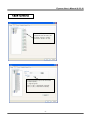
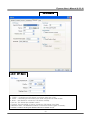
* Port No.: The port number for I-Phone use has to be
set up. Normally the default value is good to use.
* Timeout: It indicates the maximum length of
connection trial. If there is no response within the value
set, call will be cancelled.
26