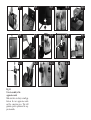
1
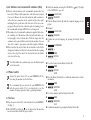
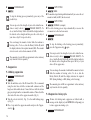
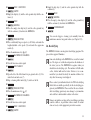
Press the Rotary Switch (B) until you hear an acoustic signal.
FILTER
NO or YES
Turn the Rotary Switch (B) until the following message is displayed:
MILK
20 SEC (example)
Now press the Rotary Switch (B) to start programming.
MILK
20 SEC (example)
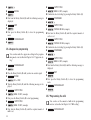
Now turn the Rotary Switch (B) until the required amount of
milk is set.
MILK
28 SEC (example)
Confirm the selected setting by pressing the Rotary Switch (B).
CONFIRMED
√
MILK
28 SEC (example)
Now turn the Rotary Switch (B) until the following message is
displayed:
EXIT
Now press the Rotary Switch (B) to leave the programming
mode.
COFFEE READY
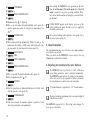
15.8 Save energy
You can set your machine to various power saving modes.
COFFEE READY
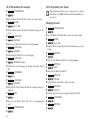
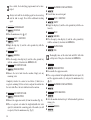
Press the Rotary Switch (B) until you hear an acoustic signal.
FILTER
NO or YES
Turn the Rotary Switch (B) until the following message is displayed:
ENERGY
SAVE NO
Now press the Rotary Switch (B) to start programming.
ENERGY
SAVE NO
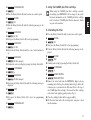
Now turn the Rotary Switch (B) until the required power saving
mode is displayed.
ENERGY
SAVE LEVEL 2 (example)
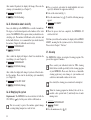
Confirm the selected setting by pressing the Rotary Switch (B).
CONFIRMED
√
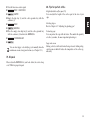
ENERGY
SAVE LEVEL 2 (example)
Now turn the Rotary Switch (B) until the following message is
displayed:
EXIT
23
E