1
Uninstalling the Driver Software
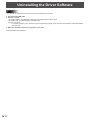
Caution
• To uninstall, an administrator name (user name) and password are required.
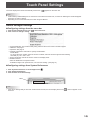
1. Disconnect the USB cable.
2. Execute uninstall.
(1) Double-click the “TouchDisplay” folder, and then double-click the “Mac” folder.
(2) Double-click “TouchDisplayDriver Uninstaller.app”.
(3) Click “Uninstall”.
•If a screen prompting you to enter the name and password appears, enter the name and password of the administrator
and click “OK”.
3. When the uninstall finished screen appears, click “Quit”.
This completes the uninstallation.
E
10