1
Selecting operational mode
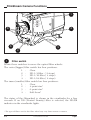
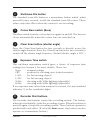
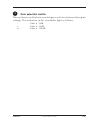
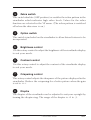
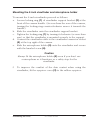
To operate in the HD video mode you must ensure that the camera
is switched to this mode. The output signals and the control functions
that are available depend on the mode you select.
The factory default for the mode setting is the FilmStream mode, so
to operate the Viper as a HD video camera you have to switch
modes.
You switch to the HD video mode by changing a menu setting (for
more details refer to Section 5).
To
1.
2.
3.
4.
change modes:
Open the menu system.
Go to the Install menu.
Select Output mode item.
Change the value to either R, G, B or Y, Cr, Cb depending on
the type of output signal you require.
The camera remembers the last selected mode, so it remains in the
HD video mode even when switched off and on again.
1-2
HD video mode
Viper