1
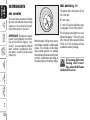
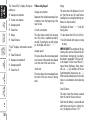
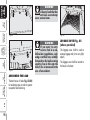
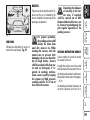
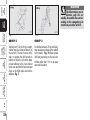
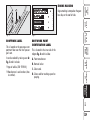
To adjust the volume proceed as follows:
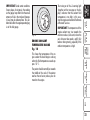
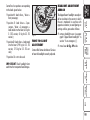
To adjust the volume proceed as follows:
❒ briefly press button MENU: the display will show the previously set volume “level”;
❒ briefly press button MENU: the display will show the previously set volume “level”;
❒ press button + or – for setting as required;
❒ press button + or – for setting as required;
❒ briefly press button MENU to go
back to the menu screen or press the
button for long to go back to the
standard screen.
❒ briefly press button MENU to go
back to the menu screen or press the
button for long to go back to the
standard screen.
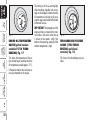
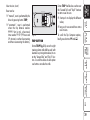
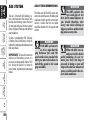
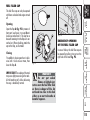
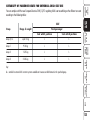
❒ briefly press button MENU : the display will show the previously set
“language”;
❒ press button + or – for setting as required;
❒ briefly press button MENU to go
back to the menu screen or press the
button for long to go back to the
standard screen.
DASHBOARD
AND
CONTROLS
To set the required language proceed as
follows:
SAFETY
DEVICES
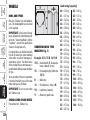
With this function the volume of the
roger-beep accompanying the activation
of certain buttons can be adjusted according to 8 levels.
CORRECT USE
OF THE CAR
With this function the volume of the
buzzer accompanying any failure/warning indication can be adjusted
according to 8 levels.
WARNING
LIGHTS AND
MESSAGES
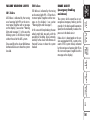
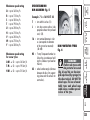
Display messages can be shown in the
following languages: Italian, English,
German, Portuguese, Spanish, French,
Dutch and Brazilian.
IN AN
EMERGENCY
Adjusting the button volume
(Keys Vol.)
TECHNICAL
CAR
SPECIFICATIONS MAINTENANCE
Adjusting the failure/warning
buzzer volume (Beep Vol.)
INDEX
Selecting the language
(Language)
35